
40 Best Free Admin Dashboard Templates 2026
The best free admin dashboard templates in 2026 are AdminLTE 4 (45K+ GitHub stars), Tabler (41K+ stars), and Gentelella (21K+ stars) — all MIT-licensed and free for commercial use. This list covers 40 admin dashboard templates with live demos: 29 completely free, plus 11 premium picks (clearly marked) for when a project outgrows the free options.
An admin dashboard template gives you the parts every web app backend needs — sidebar navigation, charts, data tables, forms, and login pages — so you start from a working interface instead of a blank page. Stacks covered here include Bootstrap 5, Tailwind CSS, React, Vue, Angular, and Svelte.
For framework-specific options, see our roundups of React, Tailwind, shadcn/ui, and SaaS admin dashboards.
Quick Picks
- Most popular free: AdminLTE 4 — 45K+ GitHub stars, Bootstrap 5, largest community
- Most complete free: Gentelella — 58 pages, dark mode, command palette, 21K+ stars
- Best designed free: Tabler — 41K+ stars, polish that rivals paid templates
- Best free for React: Shadcn Admin — vendored shadcn/ui components, 12K+ stars
- Best premium all-rounder: Apex Dashboard — 216 prerendered pages, Next.js + shadcn/ui
- Best Tailwind option: TailPanel — no JS framework dependency, works with any backend
Top picks at a glance
Table of contents — all 40 admin dashboard templates
- AdminLTE 4
- Gentelella
- Tabler
- Adminator
- CoreUI
- Notika
- CoolAdmin
- Shadcn Admin
- Vuestic Admin
- Filament
- Nalika
- Metis
- Kiaalap
- ElaAdmin
- Concept
- Sufee
- SRTDash
- ArchitectUI
- Admindek
- Adminty
- Kero
- Sales Dashboard
- Cryptocurrency Dashboard
- Finance SaaS Dashboard
- Marketing Dashboard
- Analytic Dashboard
- Directory Dashboard
- User Management Dashboard
- Hospital HTML Dashboard
- Apex Dashboard
- Haze Dashboard
- Zenith Dashboard
- TailPanel
- Flux Dashboard
- Ember Dashboard
- Signal Dashboard
- Vault Dashboard
- Fortress Dashboard
- SvelteForge Admin
- Metronic
Comparison: Top Admin Dashboard Templates
| Template | Stack | Price | Standout |
|---|---|---|---|
| AdminLTE 4 | Bootstrap 5 | Free / MIT | 45K+ stars, largest community |
| Gentelella | Vite + Vanilla JS | Free / MIT | 58 pages, dark mode, ⌘K palette |
| Tabler | Bootstrap 5 | Free / MIT | 41K+ stars, best-in-class design |
| Adminator | Bootstrap 5 | Free / MIT | Clean minimal design |
| CoreUI | Bootstrap 5 + React/Vue/Angular | Free / MIT | Corporate-backed, framework parity |
| Notika | Bootstrap 5 + Vite | Free / MIT | 41 pages, modern build, no jQuery |
| CoolAdmin | Bootstrap 5 + Vanilla JS | Free / MIT | 4 dashboards, command palette |
| ArchitectUI | Bootstrap 5 | Free | HTML, React, Vue & Angular variants |
| Apex Dashboard | Next.js + shadcn/ui | From $69 | 216 prerendered pages, 12 dashboard variants |
| Haze Dashboard | Next.js or Nuxt | From $69 | 33 mock API routes that really filter |
| TailPanel | Tailwind CSS | From $69 | No JS framework, any backend |
| Metronic | Bootstrap 5 + Angular | Premium | Most layout variations |
Free Admin Dashboard Templates
Everything in this section is free to download, and most of it is MIT-licensed for commercial use. It’s not just our own work either — community heavyweights like Tabler, CoreUI, Shadcn Admin, Vuestic, and Filament are here on merit. The most actively maintained projects come first.
1. AdminLTE 4
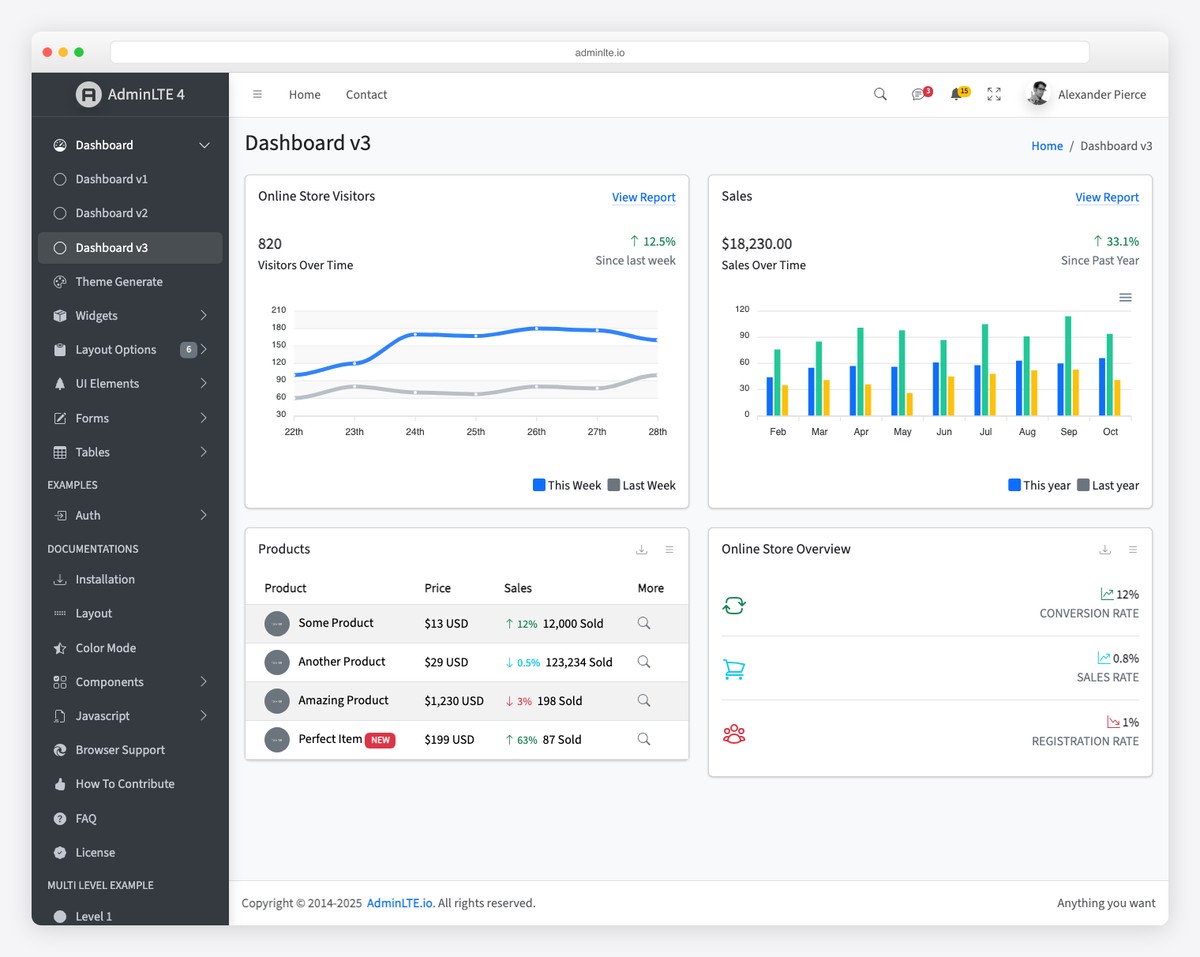
Why we like it: The most battle-tested admin template in existence — whatever problem you hit, someone has already solved it.
More than a template, AdminLTE is an ecosystem: a decade of production use, ports and starter kits for Laravel, Django, Rails, and ASP.NET, and a long tail of third-party plugins and Stack Overflow answers no other free admin can match. Version 4 moves the whole thing to Bootstrap 5 with no jQuery and noticeably better accessibility across its 30+ pre-built pages.
AdminLTE 4 isn’t limited to Bootstrap, either: there are official React/Next.js, Vue/Nuxt, Angular, Laravel and Django integrations, all free on GitHub.
2. Gentelella
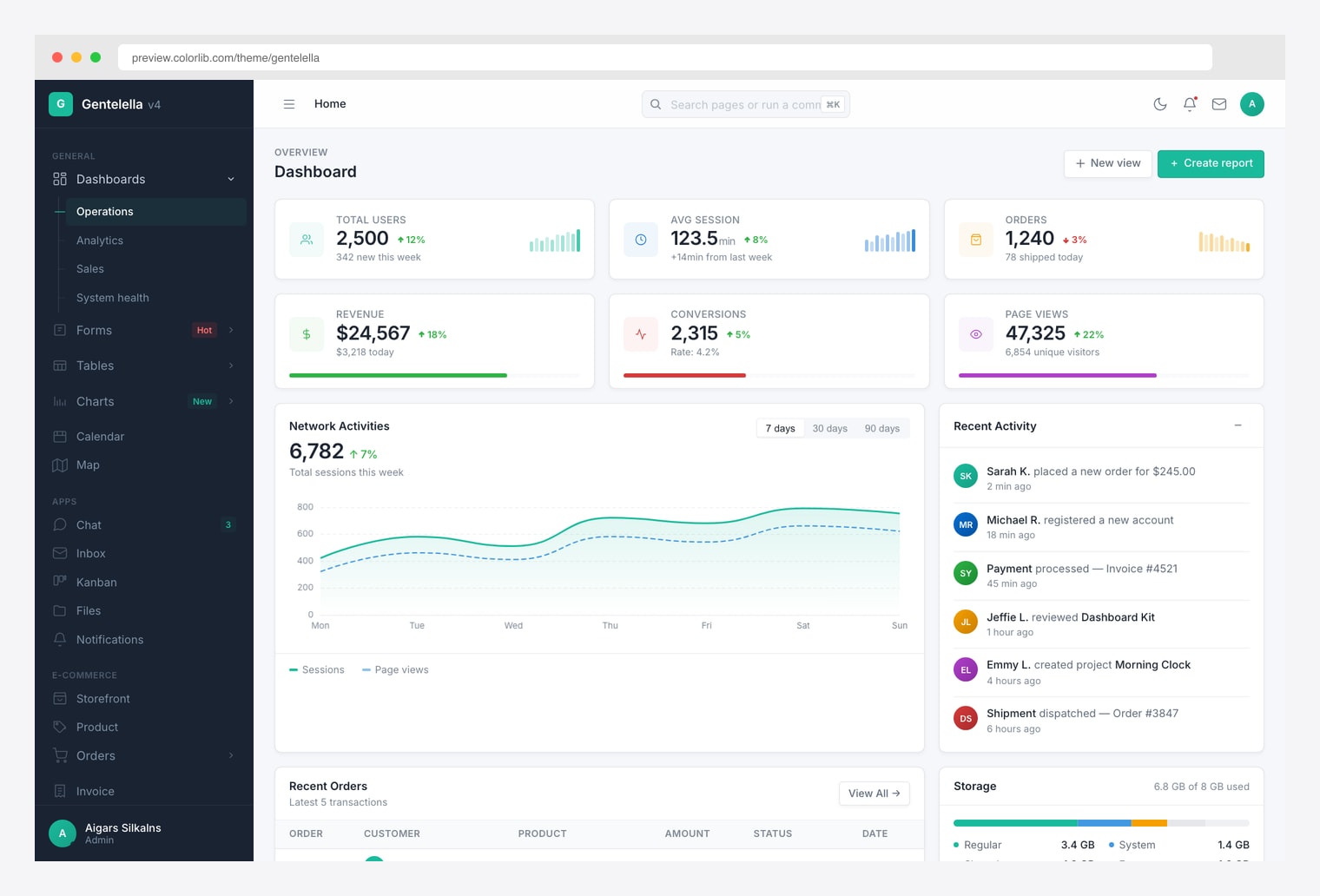
Why we like it: v4 is a clean rewrite — 58 pages, 20 chart types, a ⌘K command palette, live theme generator, and no-flash dark mode.
What sets Gentelella apart is that the application pages actually function: the inbox threads, the kanban drags, the calendar schedules, the chat replies — none of them are static mockups. ECharts powers 20 chart types, DataTables drives the grids, Leaflet handles maps, and a component playground exposes copy-paste HTML source for every element on every page.
3. Tabler
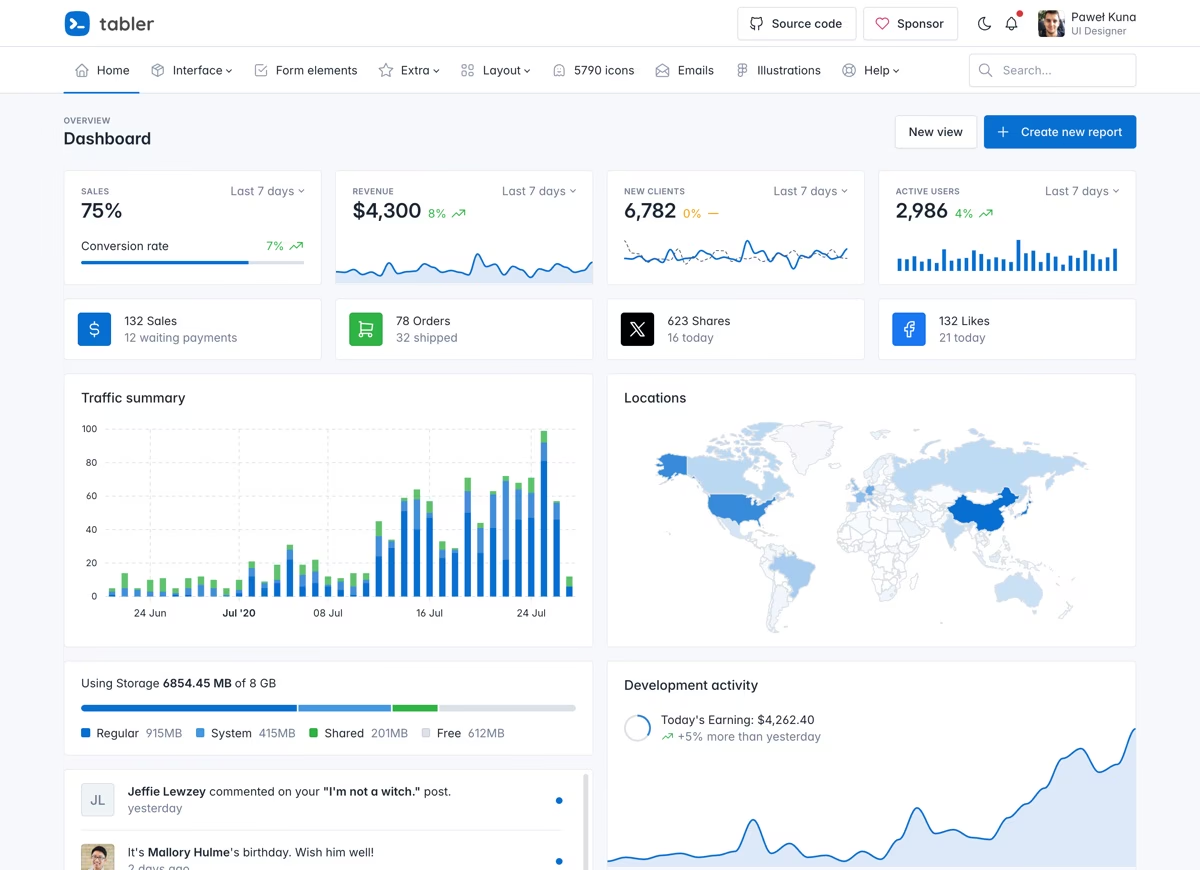
Why we like it: Widely considered the best-looking free admin template available — and it ships alongside Tabler Icons, an open-source icon set the rest of the industry borrows.
Tabler is maintained at a near-commercial cadence, with frequent releases and a design system so consistent it feels like a paid product. Hundreds of components and ready pages cover everything from charts to form wizards, with dark mode and RTL built in — all on standard Bootstrap 5, so nothing about your workflow has to change.
4. Adminator
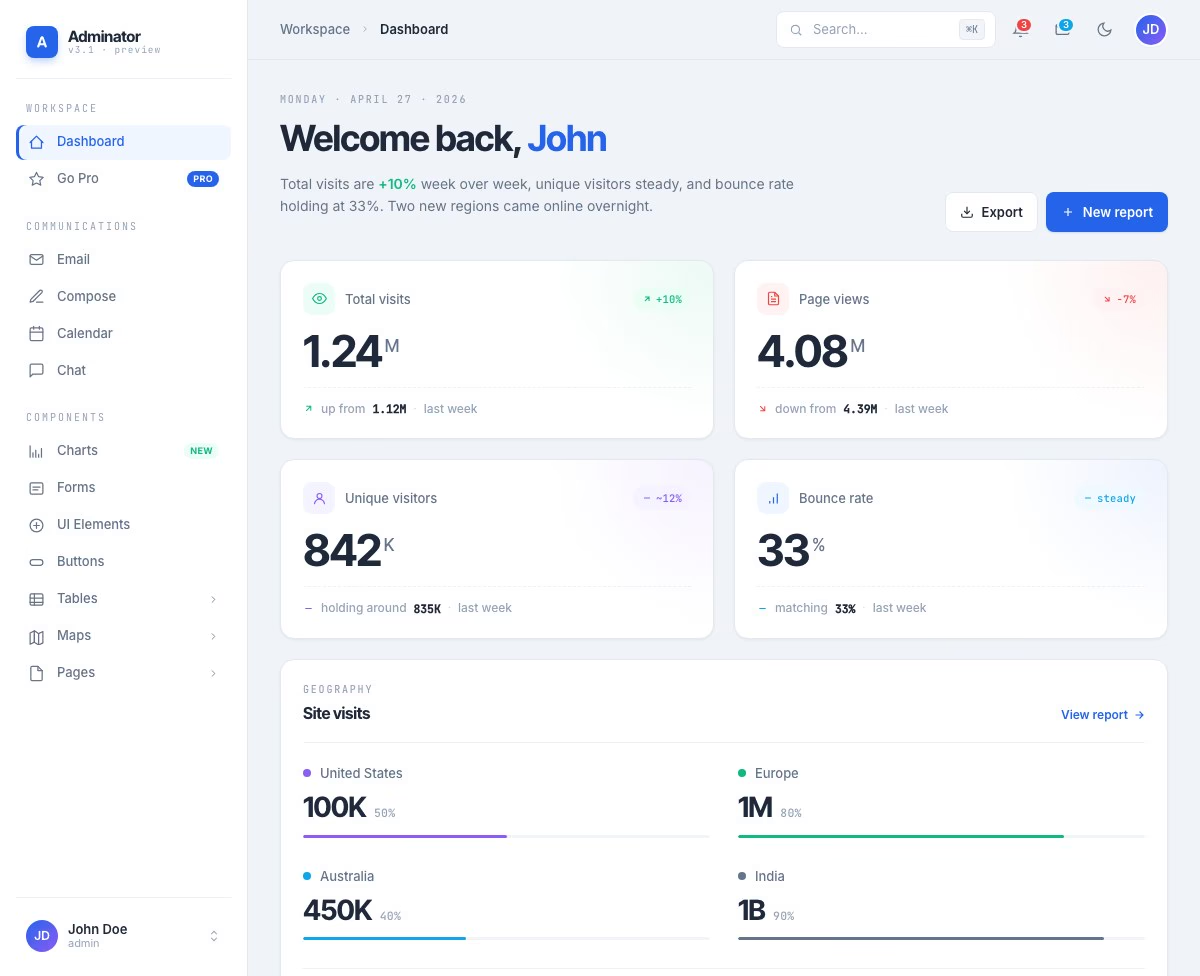
Why we like it: The design quality rivals paid templates — consistent spacing and a restrained layout make Adminator look more premium than free.
Adminator’s edge is restraint: generous whitespace, a muted palette, and consistent component spacing give it a calm, product-grade feel most free admins lack. Under the hood the SCSS is cleanly partialed, so rebranding means editing a few variables rather than hunting through one monolithic stylesheet — and the email, chat, calendar, and map views are all there when you need them.
5. CoreUI
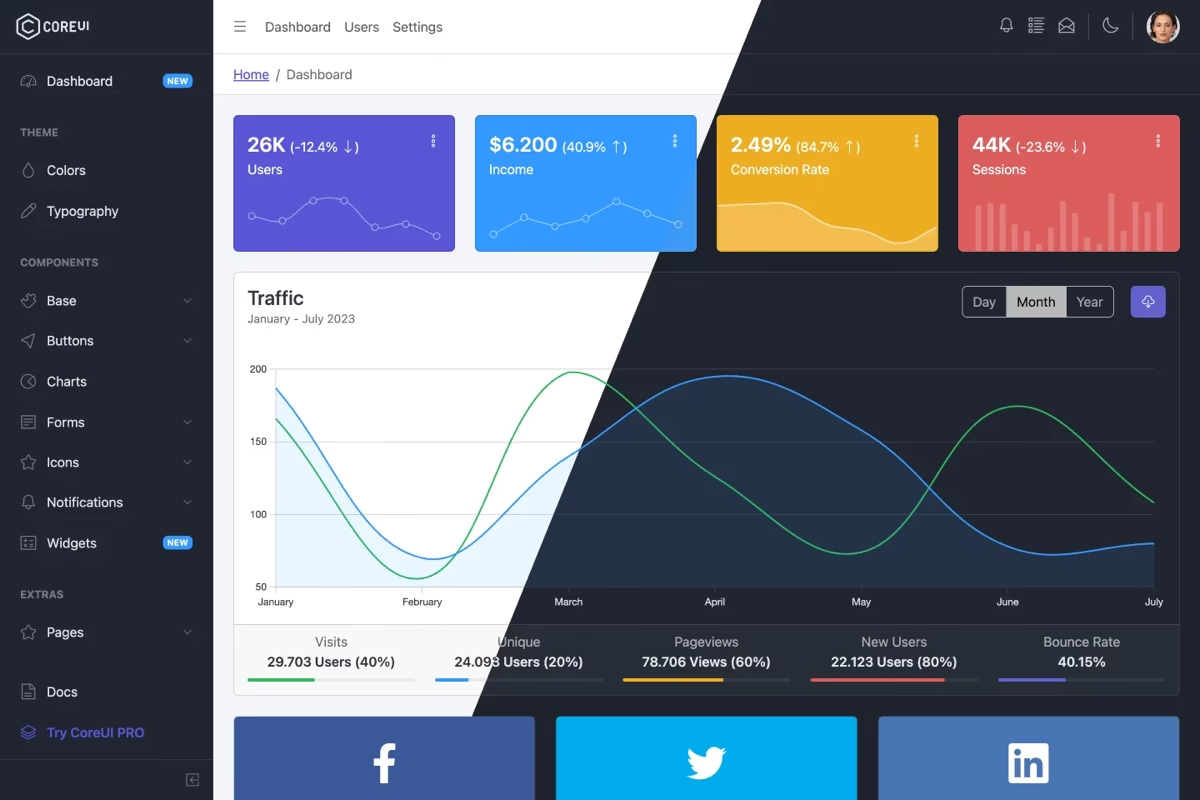
Why we like it: Maintained by a company rather than a side project — steady releases for nearly a decade across Bootstrap, React, Vue, and Angular editions.
CoreUI builds its own component library on top of Bootstrap 5, then mirrors it across free React, Vue, and Angular versions — so switching stacks doesn’t mean redesigning your admin. The free tier inherits the engineering discipline of the commercial Pro line, which is why it turns up so often in enterprise environments.
6. Notika
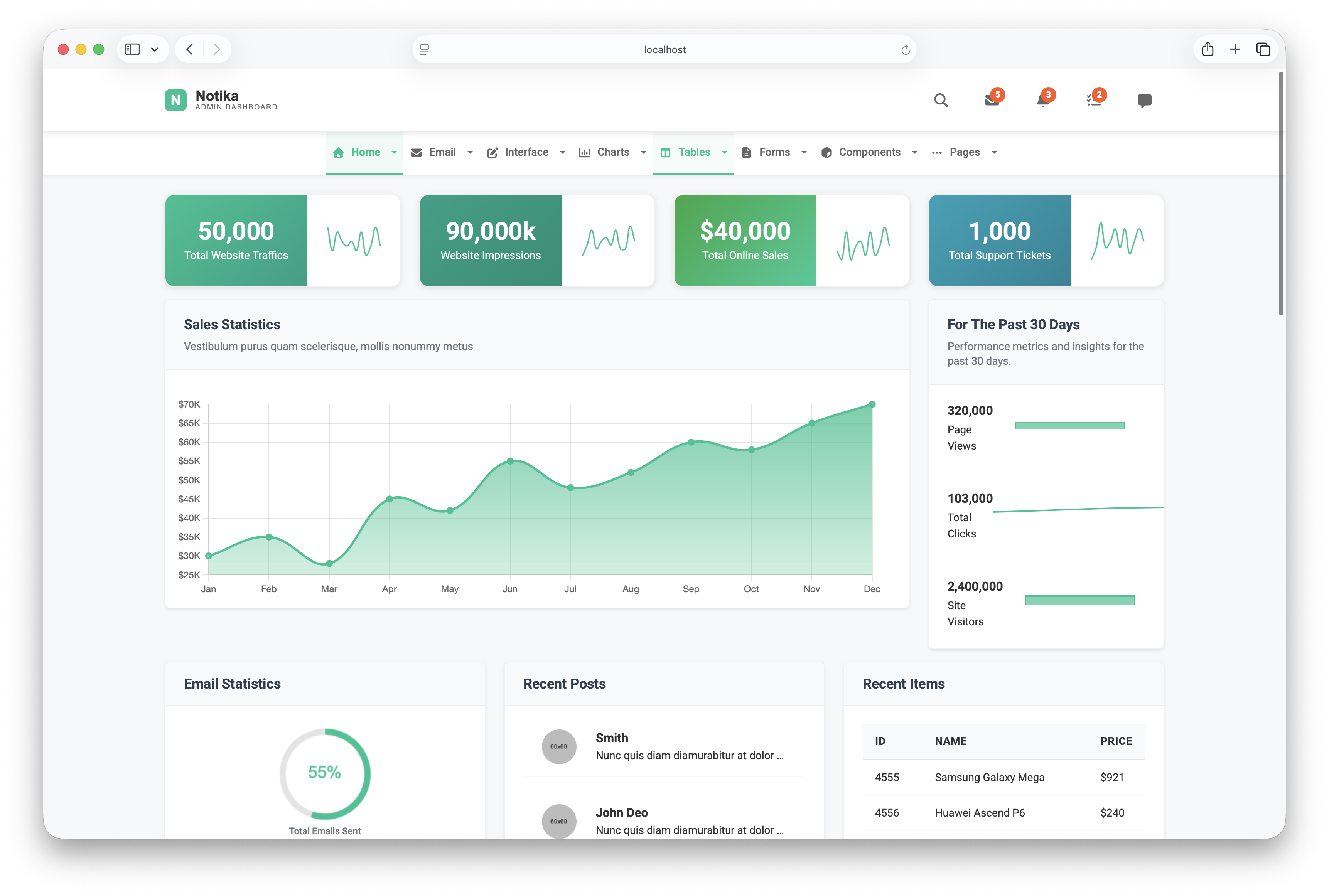
Why we like it: Vite with hot reloading, SCSS, and ES6 modules — the most modern build setup of any free Bootstrap admin template.
Notika is one of the few free admin templates built around horizontal top navigation instead of a sidebar — the full viewport width goes to your data, which makes a real difference for wide tables and side-by-side charts. Its 41 pages span five dashboard variants, analytics views, an email system, and a complete UI component set.
7. CoolAdmin
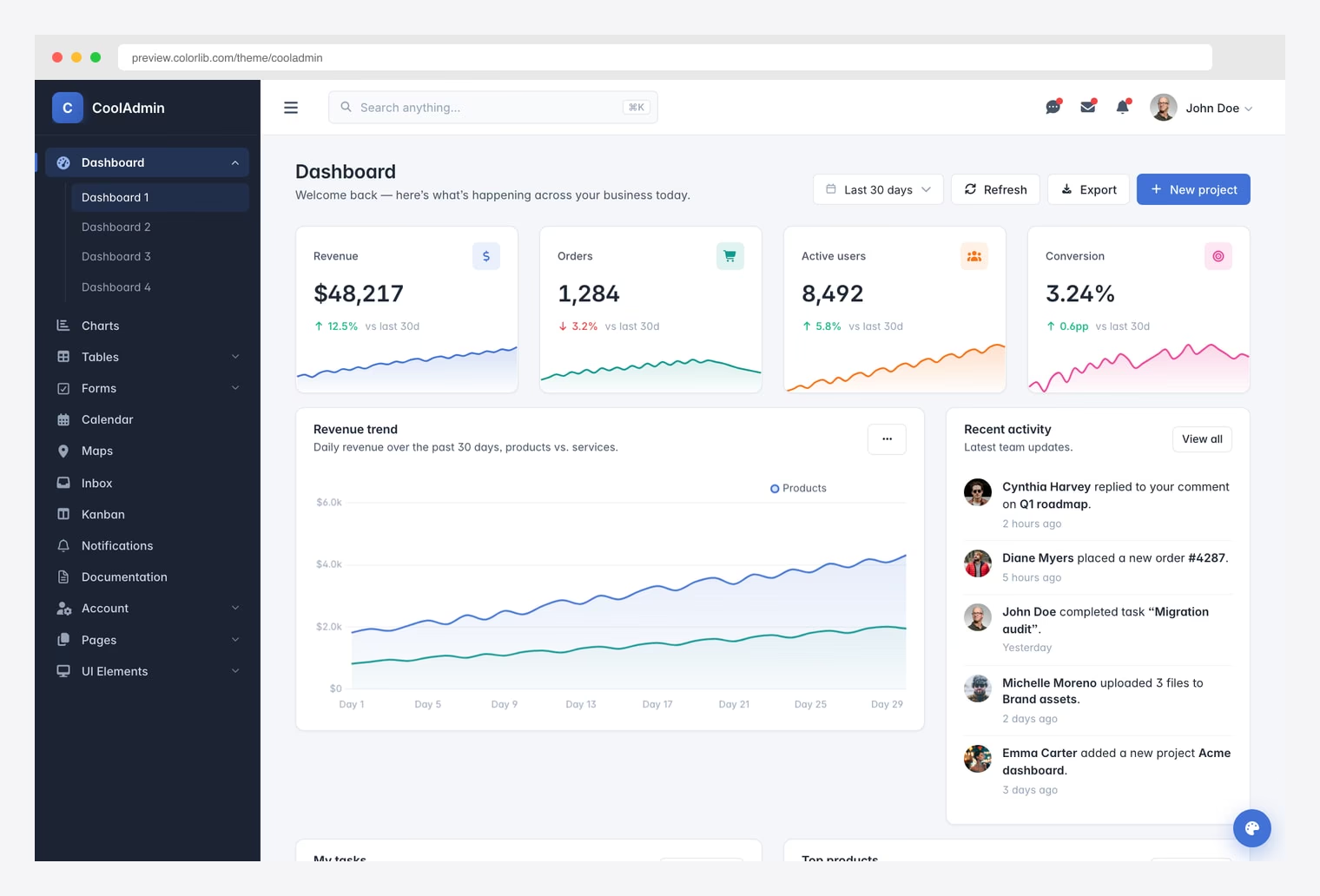
Why we like it: Cmd+K command palette, a 6-preset theme switcher, and four distinct dashboards — with no jQuery anywhere.
CoolAdmin sweats details you rarely get for free: loading skeletons, toast notifications, a working refresh button on every dashboard, per-page SEO meta, and accessibility passes (skip links, ARIA labels, visible focus outlines). Add the drag-and-drop kanban board, print-ready invoice, and multi-step form wizard, and it covers ground most free templates skip entirely.
8. Shadcn Admin
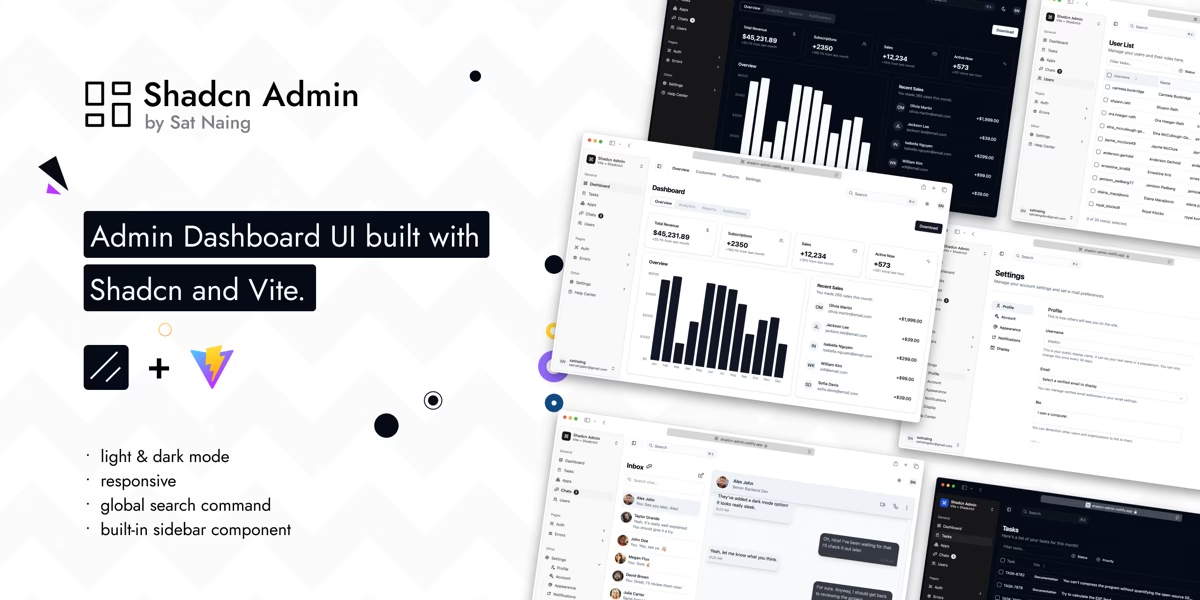
Why we like it: One of the fastest-growing admin projects on GitHub — the shadcn/ui aesthetic everyone wants, already assembled into a working dashboard.
Shadcn Admin covers the pages a real app needs — dashboard, tasks, chats, users, auth flows, error pages, and settings — with accessibility and responsiveness treated as first-class concerns. Because every component is vendored shadcn/ui code rather than a black-box library, you customize by editing the source directly, exactly how that workflow is meant to feel. Light/dark themes and a command palette are included.
9. Vuestic Admin
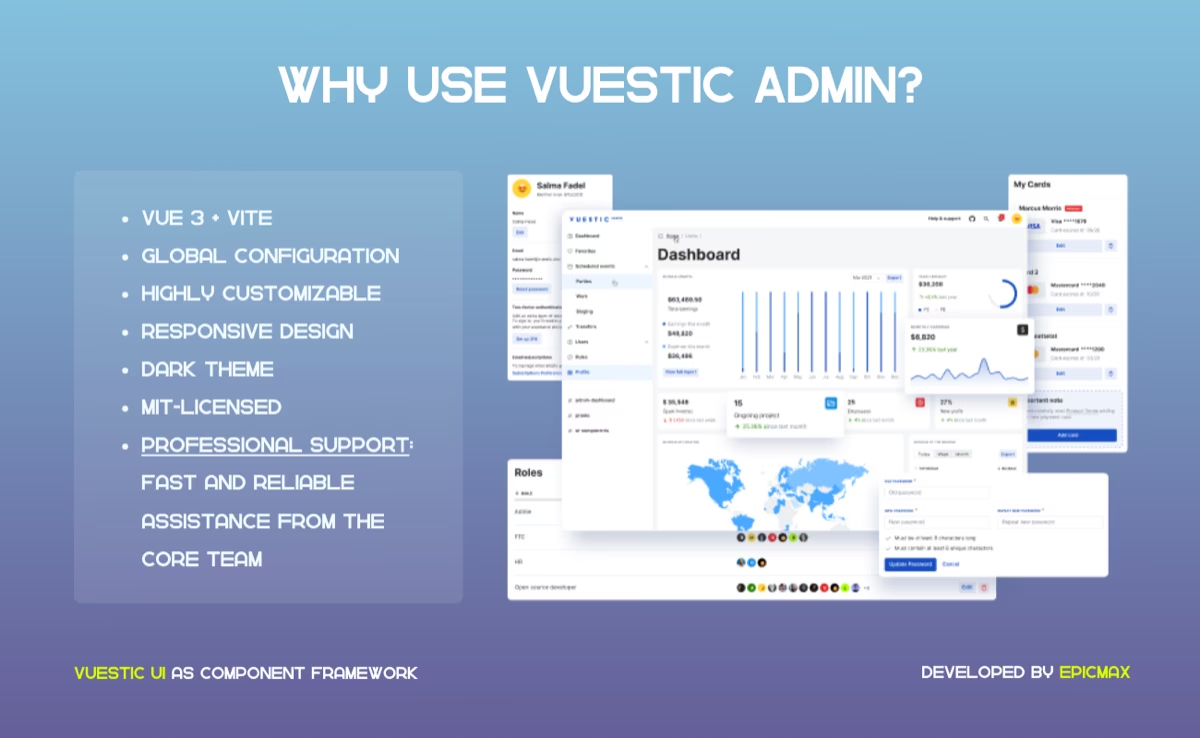
Why we like it: The strongest free Vue 3 admin around — built by Epicmax on their open-source Vuestic UI kit and kept current with the Vue ecosystem.
Vuestic Admin is a finished dashboard — projects, payments, users, and billing screens — sitting on top of the Vuestic UI library and its dozens of documented components. Extending it means composing documented components rather than reverse-engineering template markup, and dark theme, i18n, and responsive layouts come standard.
10. Filament
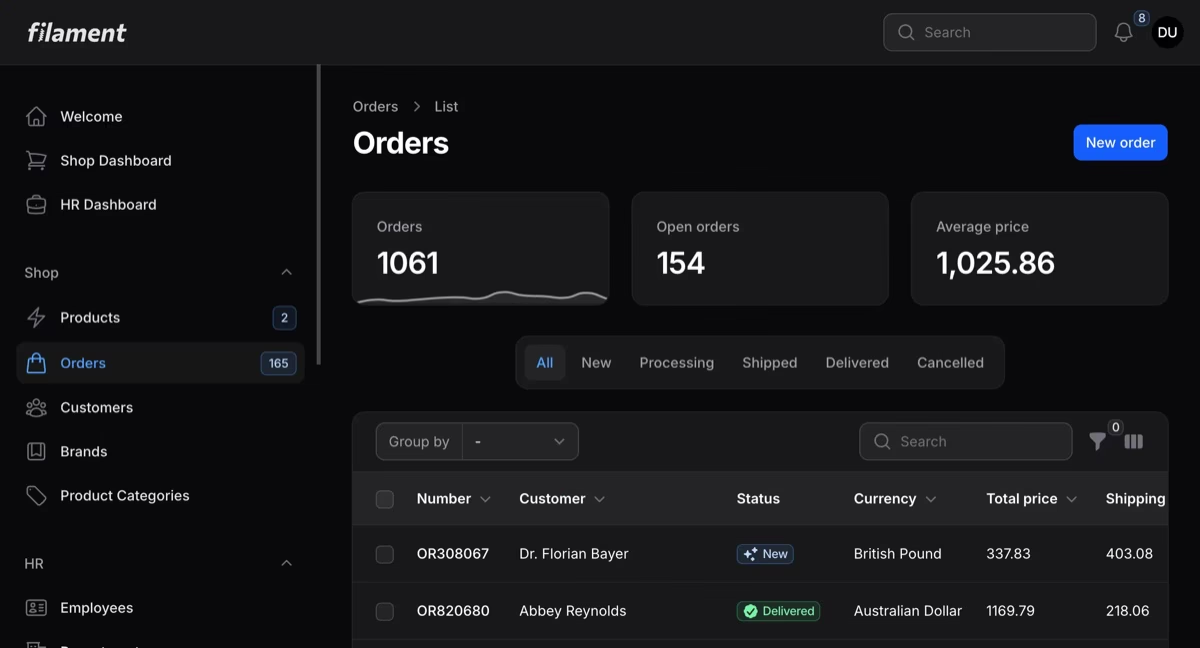
Why we like it: The Laravel ecosystem’s default answer to admin panels — server-driven, gorgeous out of the box, and one of the most actively developed projects on this entire list.
Filament builds a complete admin from your Eloquent models: resource CRUD with searchable tables, filters, and bulk actions, a deep form builder, dashboard widgets and charts, and notifications — all rendered server-side with Livewire, so there’s no separate frontend to maintain. Dark mode ships by default, and a large plugin ecosystem covers most of what the core doesn’t.
11. Nalika
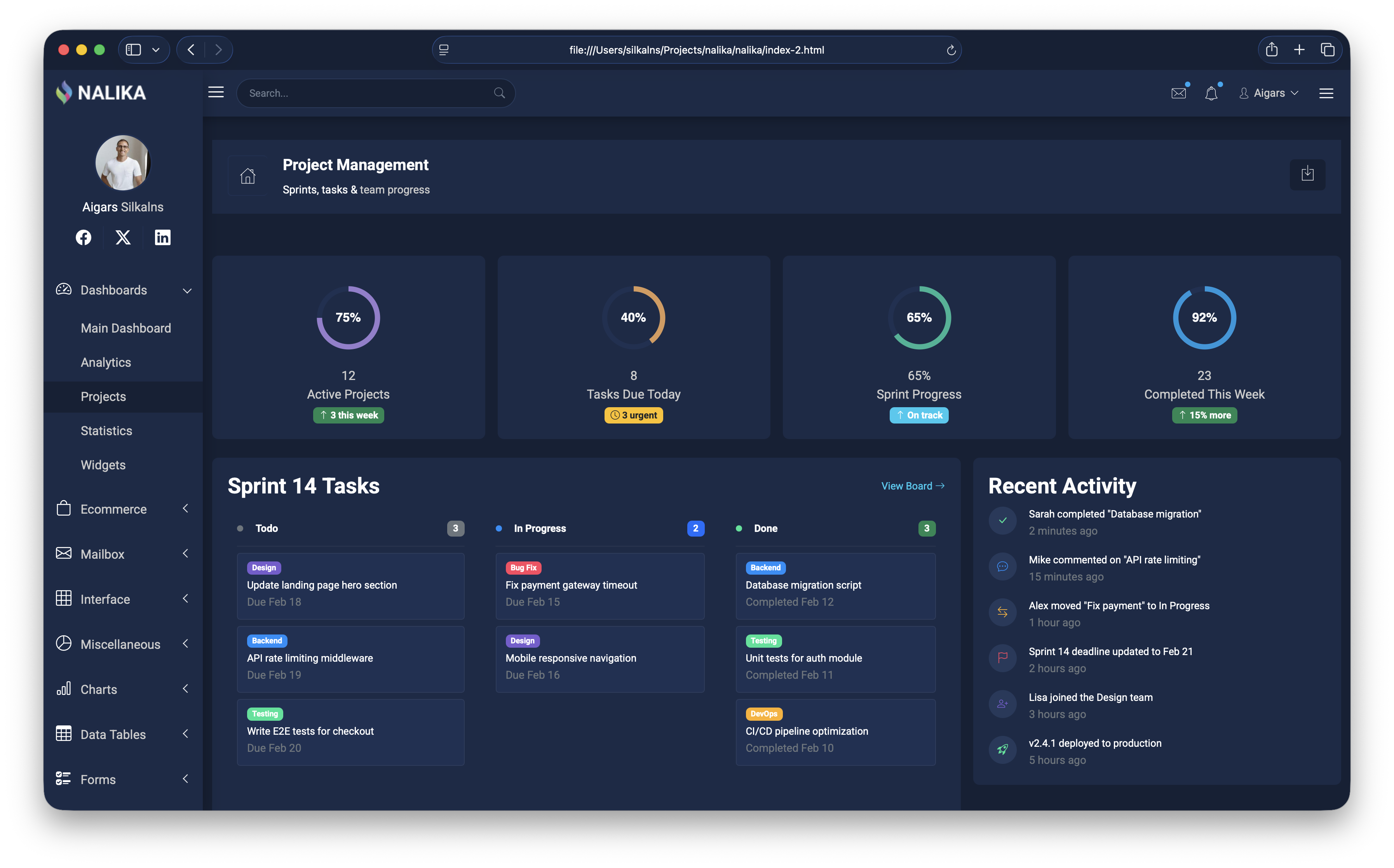
Why we like it: Recently rebuilt from scratch — jQuery removed and every legacy library swapped for a modern equivalent, same sleek dark design.
Nalika is dark-first, not dark-mode: every chart color, border, and elevation was chosen for a dark canvas, so nothing looks inverted or washed out. That matters when users live in the dashboard all day — monitoring, ops, trading. ApexCharts and Chart.js handle visualization, Swiper the carousels, Tom Select the dropdowns, all CDN-loaded with zero local vendor files to maintain.
12. Metis

Why we like it: Clean typography and well-proportioned components — a layout that feels polished rather than assembled.
Metis is one of the longest-running Bootstrap admin templates, kept current through Bootstrap 5 while staying genuinely light — no build step, just open the HTML and edit. Its practical standouts are Google Maps integration and multi-section dropdown menus that swallow deep navigation trees without becoming a usability mess.
13. Kiaalap

Why we like it: Three home styles and 50+ pages cover student management, course tracking, and faculty dashboards.
Kiaalap is drawn specifically for education: dedicated screens for students, professors, departments, and library management sit alongside the standard dashboards, forms, and tables — domain modeling you’d otherwise have to design yourself. Plenty of teams use it well outside the classroom too, since the underlying components are general-purpose.
14. ElaAdmin

Why we like it: More pages, libraries, and elements than many premium templates — genuinely surprising for a free release.
ElaAdmin competes on sheer surface area: a deep UI element library, multiple chart libraries, validated form layouts, and a thick stack of internal pages. That breadth pays off mid-project — when a requirement appears out of nowhere, odds are ElaAdmin already has the page half-built, which is exactly when switching templates would hurt most.
15. Concept
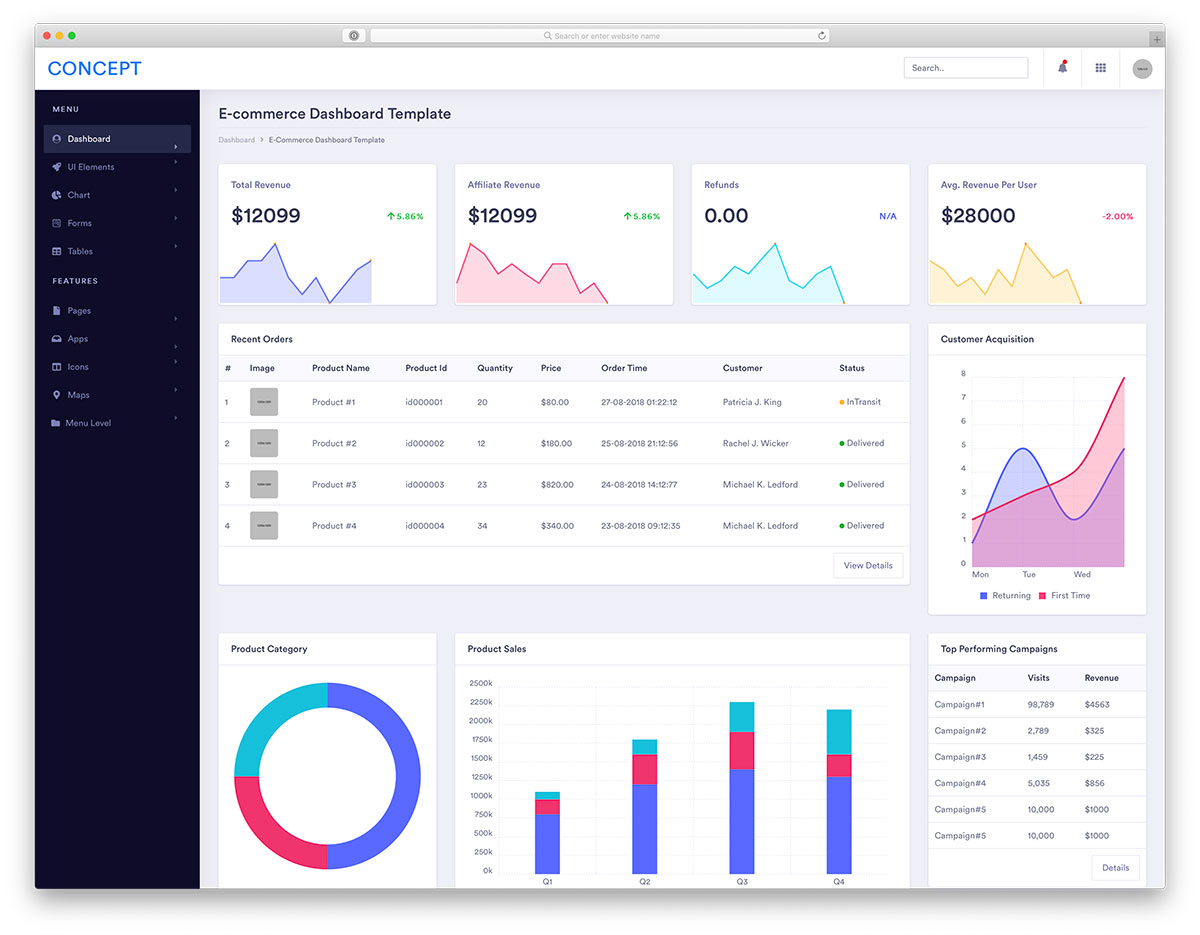
Why we like it: Multiple dashboard styles cover different verticals — start with the layout closest to your use case.
Concept’s trick is shipping several fully distinct dashboard designs in one download — finance, sales, eCommerce, and an influencer-analytics layout you won’t find in other free packs — rather than one dashboard with swapped widgets. Each arrives with charts and tables already arranged for its vertical, so the layout decisions are made before your first commit.
16. Sufee
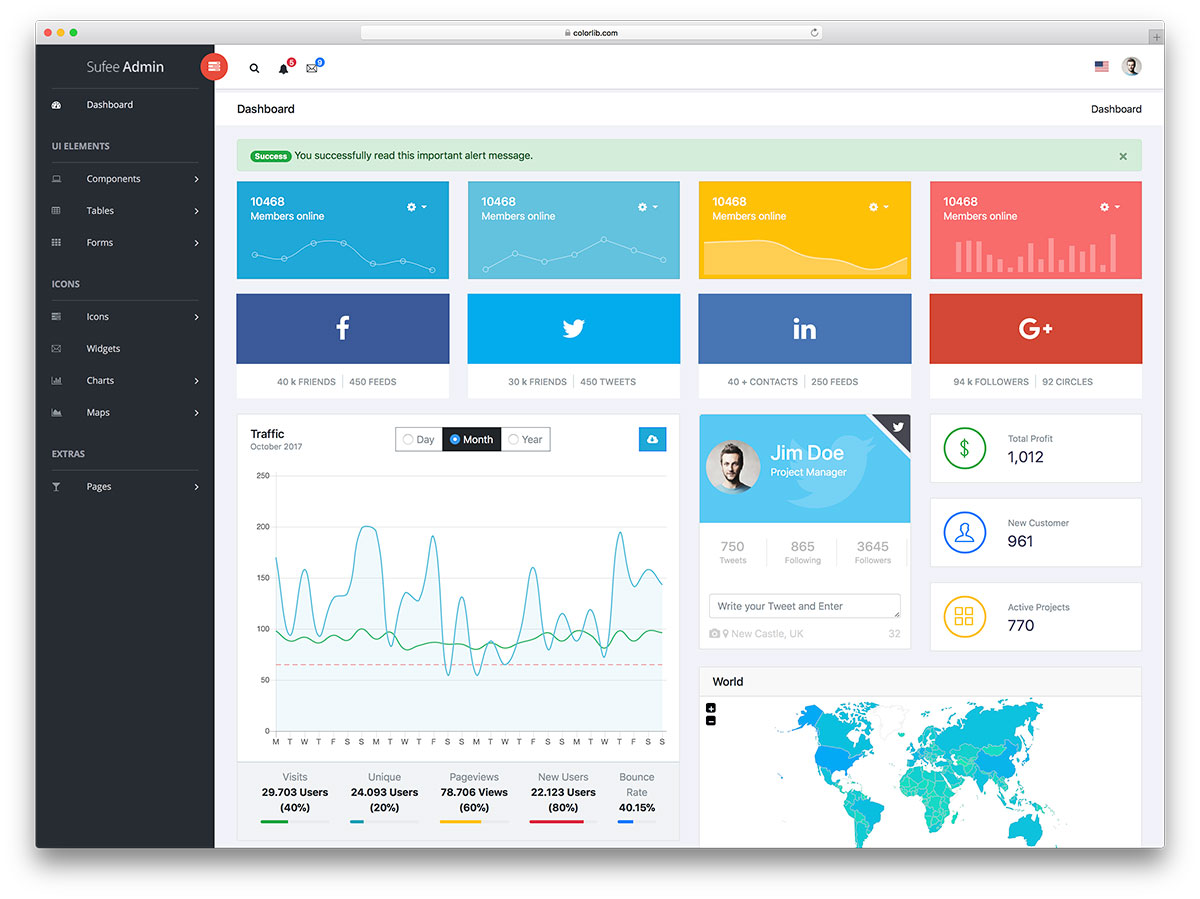
Why we like it: Login, registration, and password reset pages plus two map styles — features many free templates skip.
Sufee is the free template for skipping the peripheral work: it ships both Google Maps and vector map implementations, two icon sets, animated statistics counters, and the complete auth trio — login, registration, and password reset. Those are precisely the pages that otherwise eat your first day on a new admin.
17. SRTDash
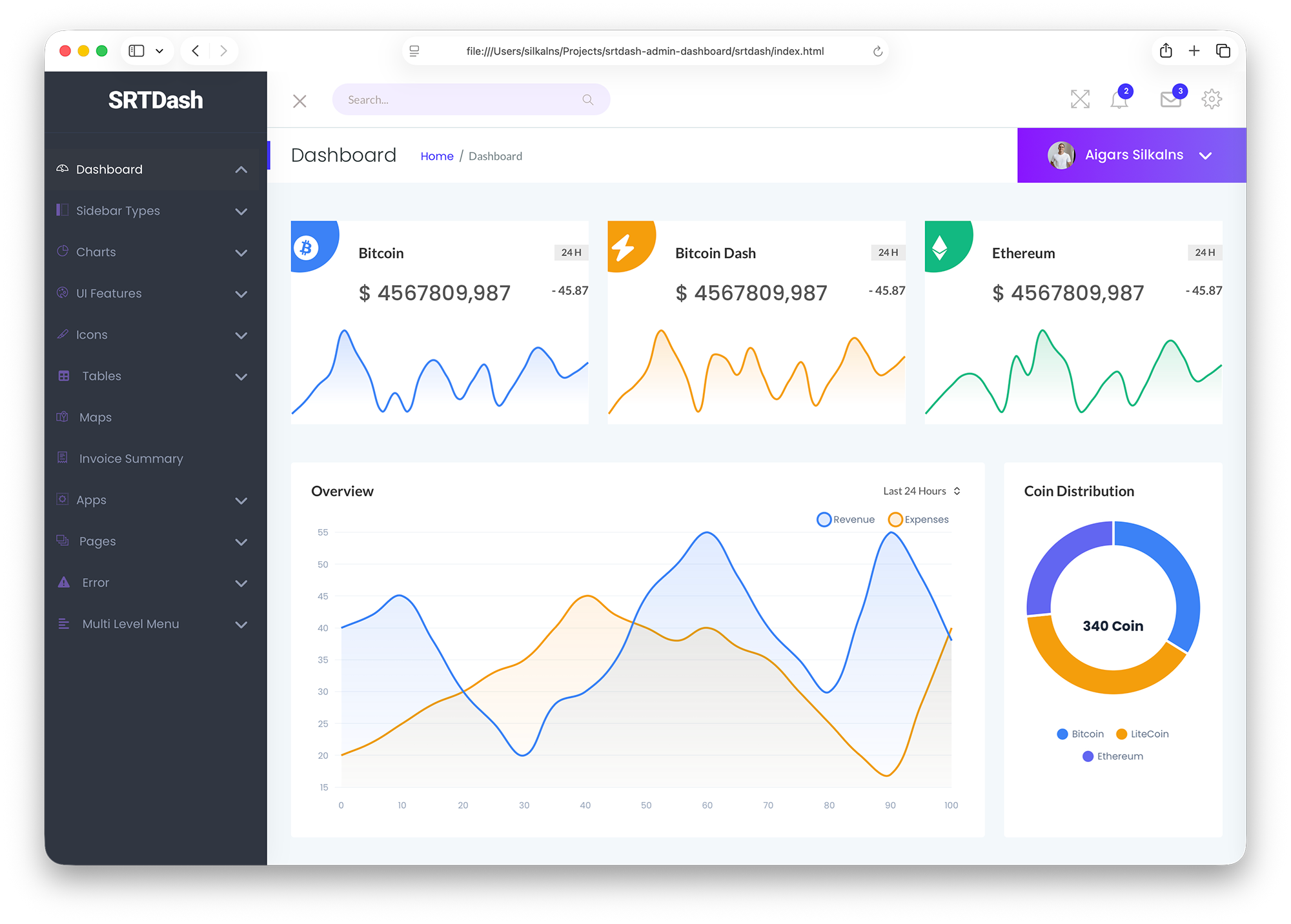
Why we like it: Recently modernized with a complete core overhaul — 3 index pages and 56+ sections give you plenty of building blocks.
SRTDash treats its 56+ sections as a kit of parts: instead of fixed pages, you compose reports from ready-made chart, table, and widget blocks across 3 index variants. The visual language stays deliberately quiet — exactly right for financial reporting and KPI overviews, where the numbers should carry the story.
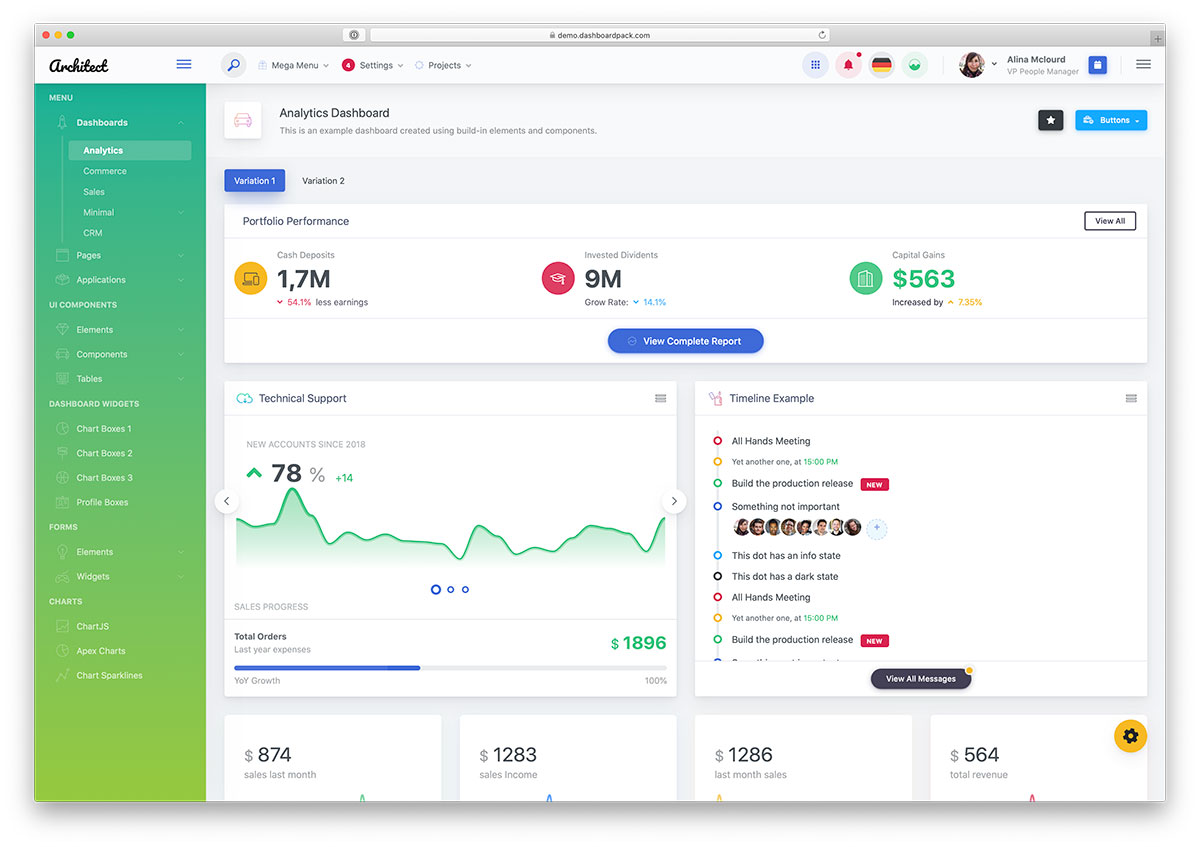
18. ArchitectUI
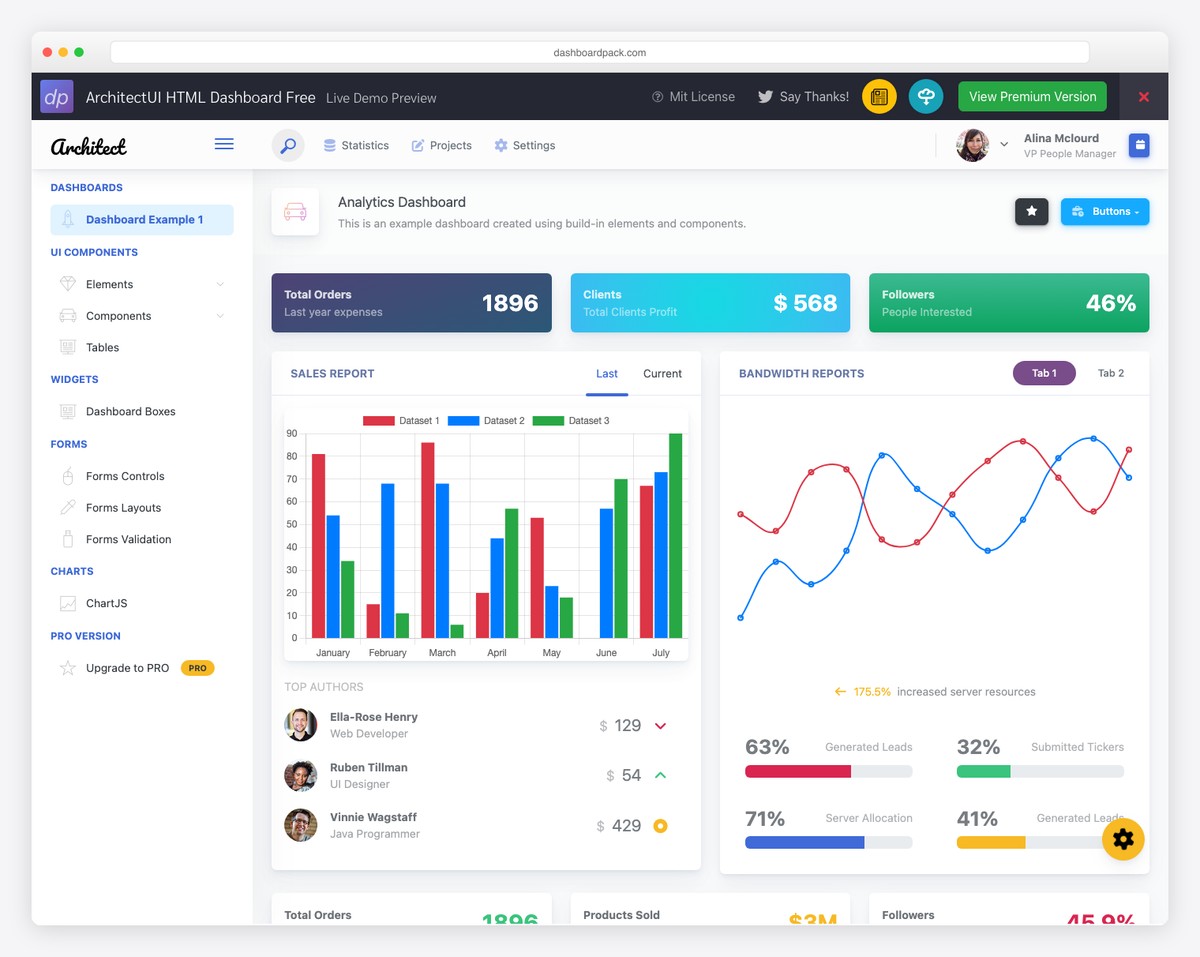
Why we like it: Four framework variants sharing the same Bootstrap 5 design — rare among free templates.
An agency can standardize on one design language while individual clients run React, Vue, Angular, or plain HTML — every variant ships the same 10 color skins, collapsible sidebar, and real-time search, so switching stacks doesn’t mean redesigning. PRO versions add pages, components, and support when a project outgrows the free tier.
19. Admindek
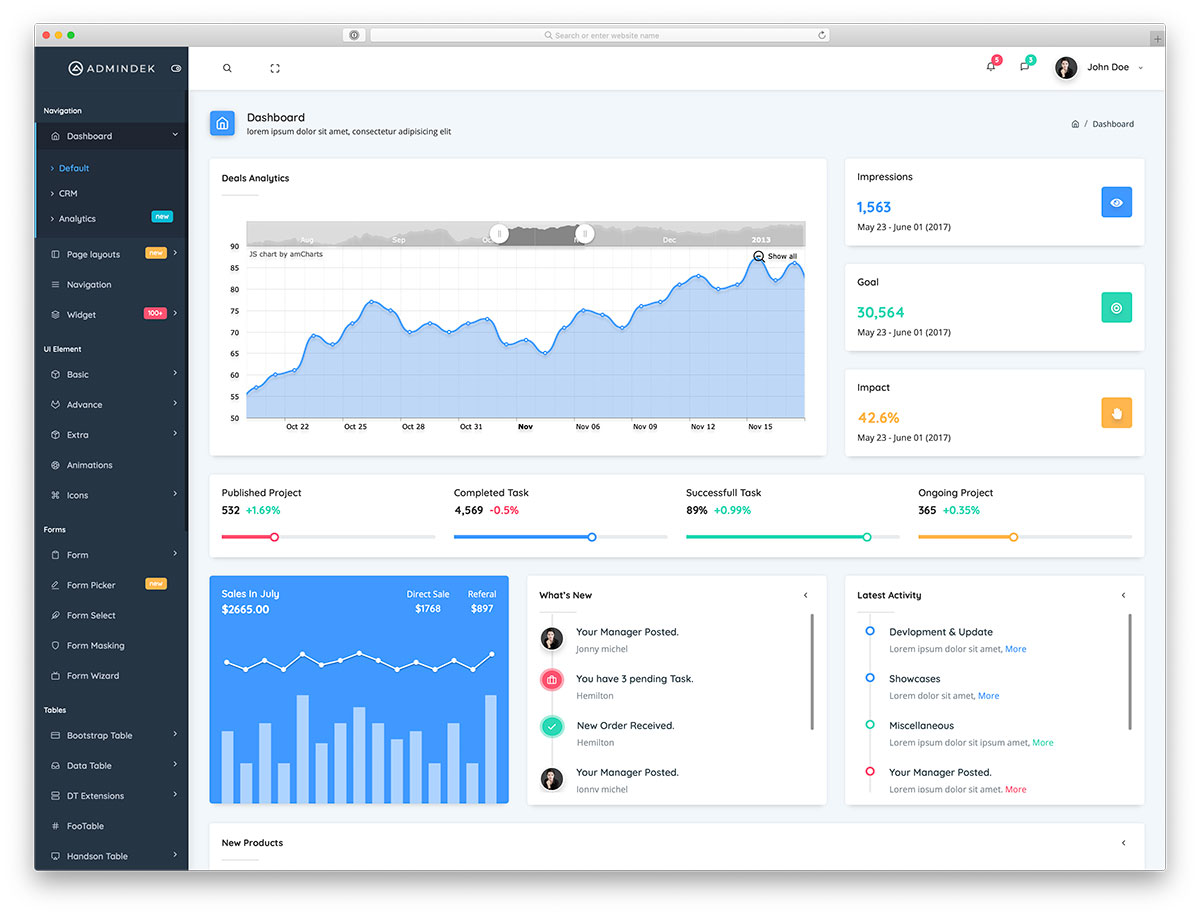
Why we like it: Three built-in layout styles — default, CRM, and analytics — cover the most common admin use cases without customization.
The CRM home is Admindek’s standout — contact and lead views arranged well enough to run a small sales pipeline unmodified, which is rare in a free template. The hide/show navigation bar clears the screen for analysis, and a full set of UI elements, animations, and widgets covers the everyday needs.
20. Adminty
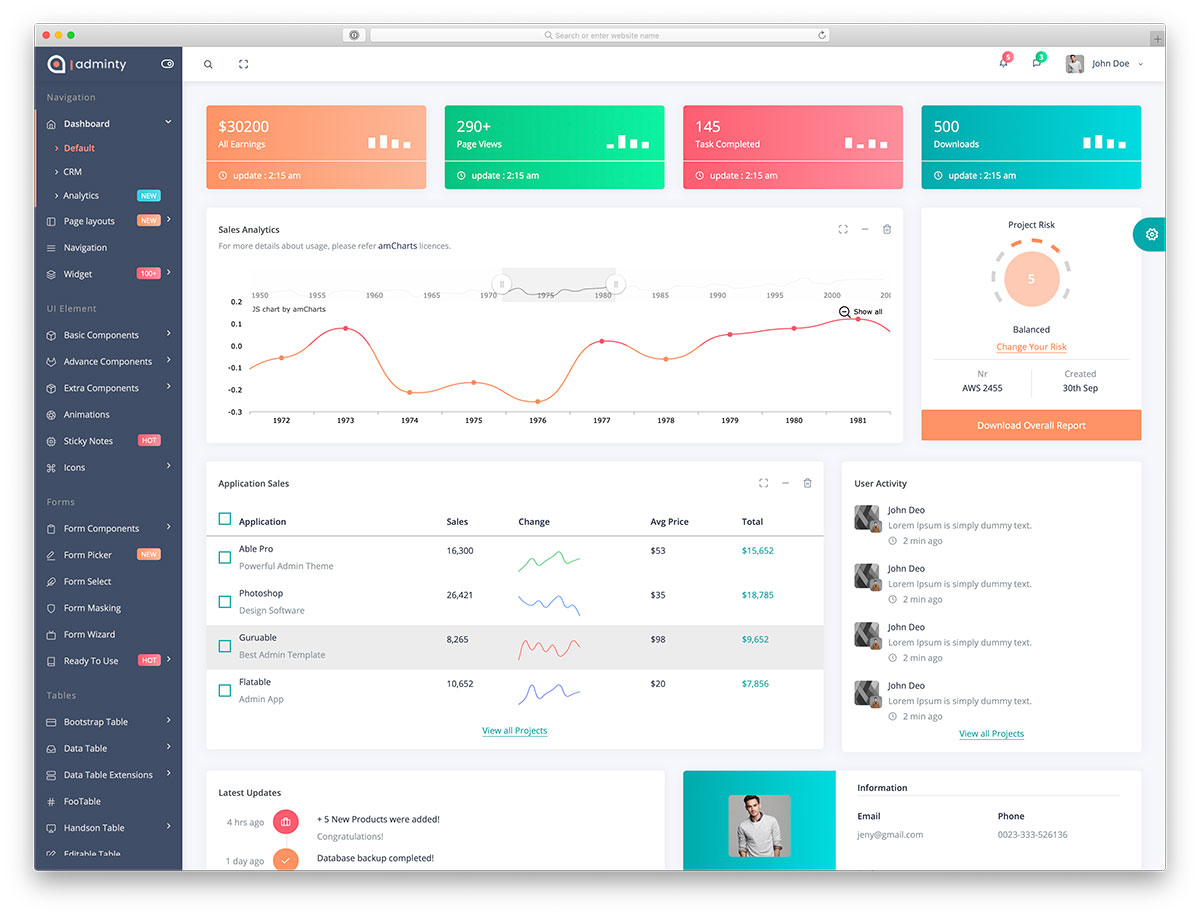
Why we like it: The full-screen + hidden sidebar combo gives you a pure data view with nothing else on screen.
Wall-mounted status boards and second-monitor dashboards are where Adminty shines: one click on the dedicated full-screen button strips the chrome, the sidebar tucks away, and the entire viewport becomes data. Behind that party trick sit three home layouts and a complete set of forms, tables, charts, and widgets.
21. Kero
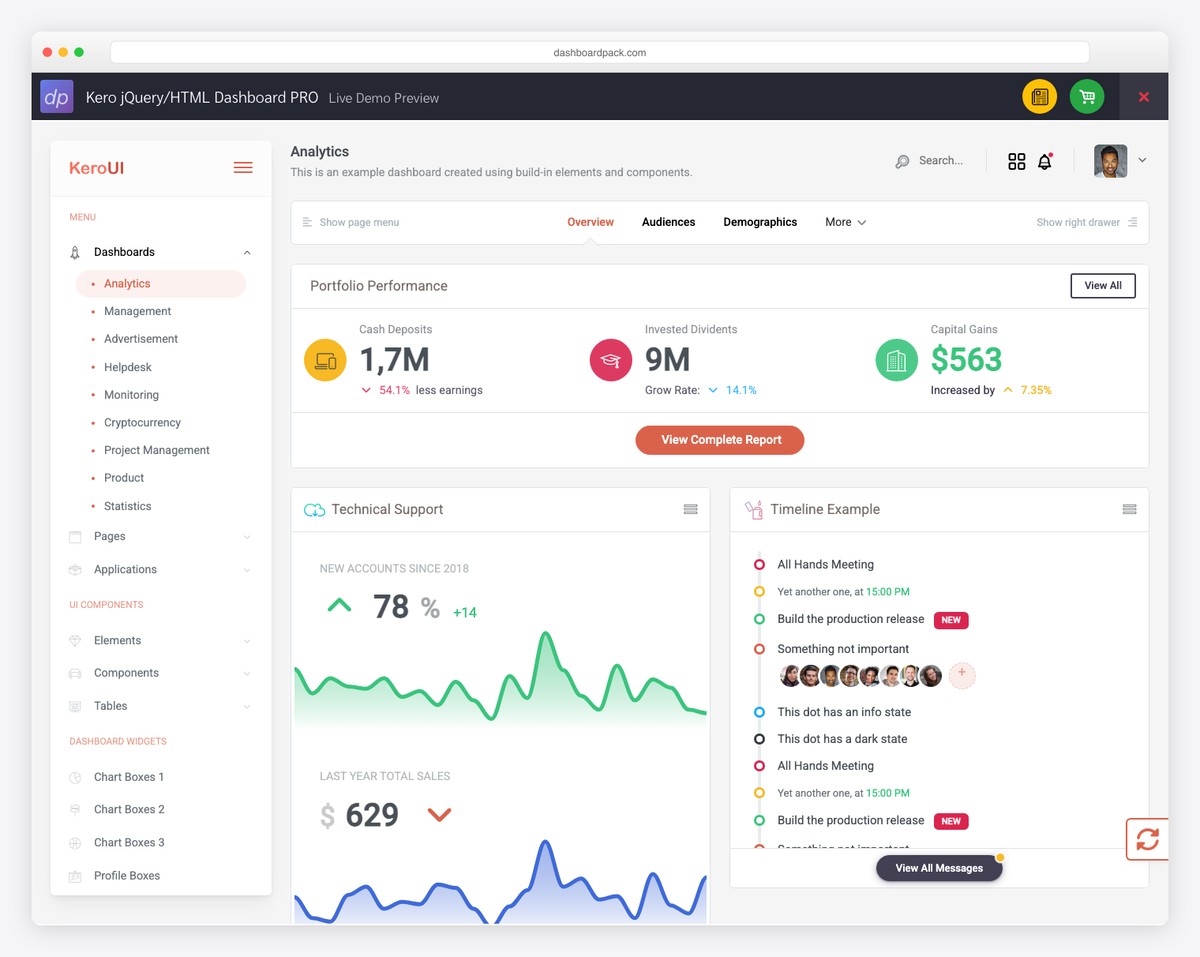
Why we like it: Multiple layouts and pre-built pages give you a solid foundation without overcomplicating the design.
Kero keeps things deliberately simple: tables, forms, charts, and notification widgets in a clean visual hierarchy across multiple layouts. It’s a better base when you’d rather build up your own admin than strip down an overloaded one.
22. Sales Dashboard
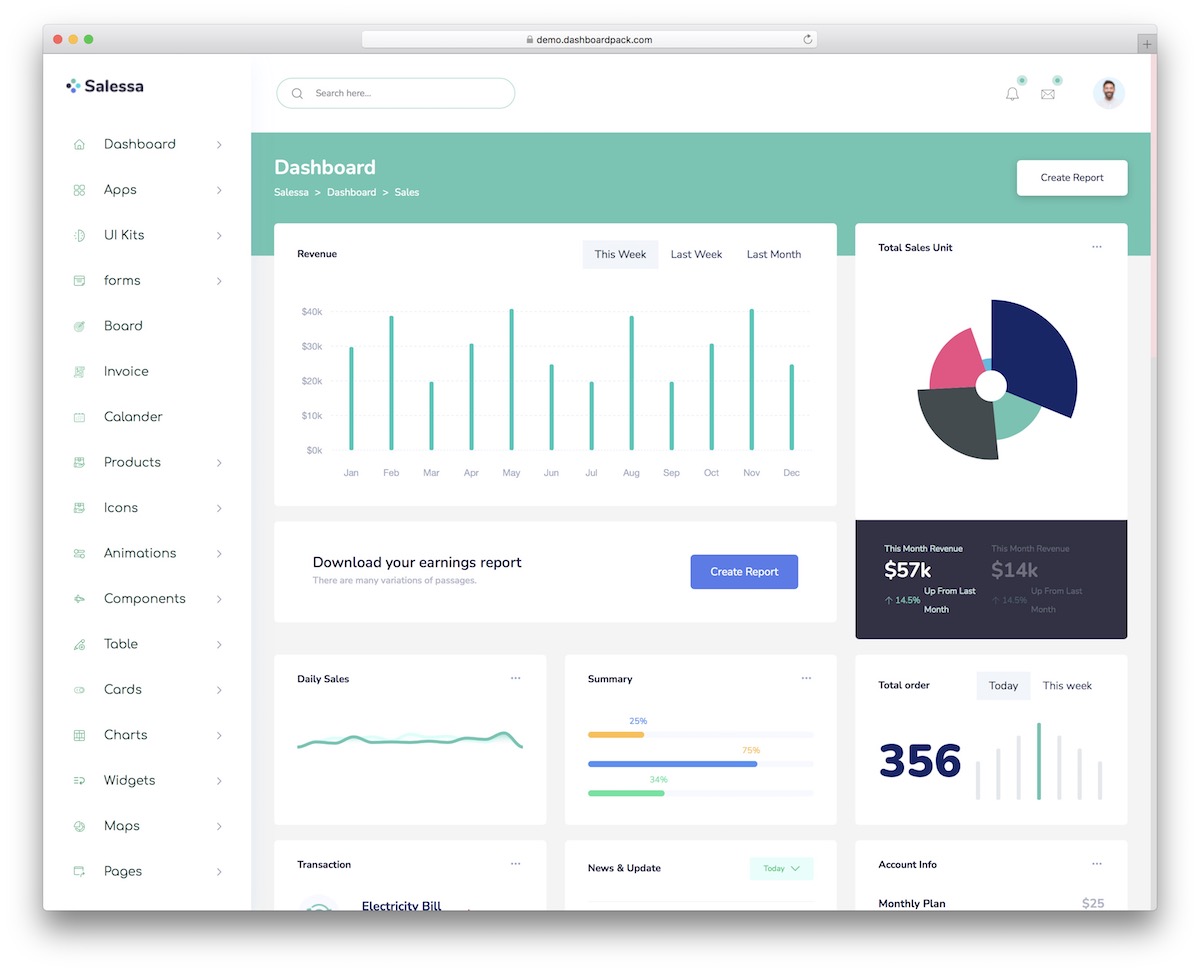
Why we like it: Revenue charts, order tables, and sales funnels are ready to use out of the box.
The order flow is drawn end to end — catalog, product detail, cart, checkout, and a printable invoice — rather than left as a dashboard with commerce widgets bolted on. Fifty-eight static pages sit behind that, with five charting libraries wired up and data tables that sort, search, collapse on mobile, and export.
23. Cryptocurrency Dashboard
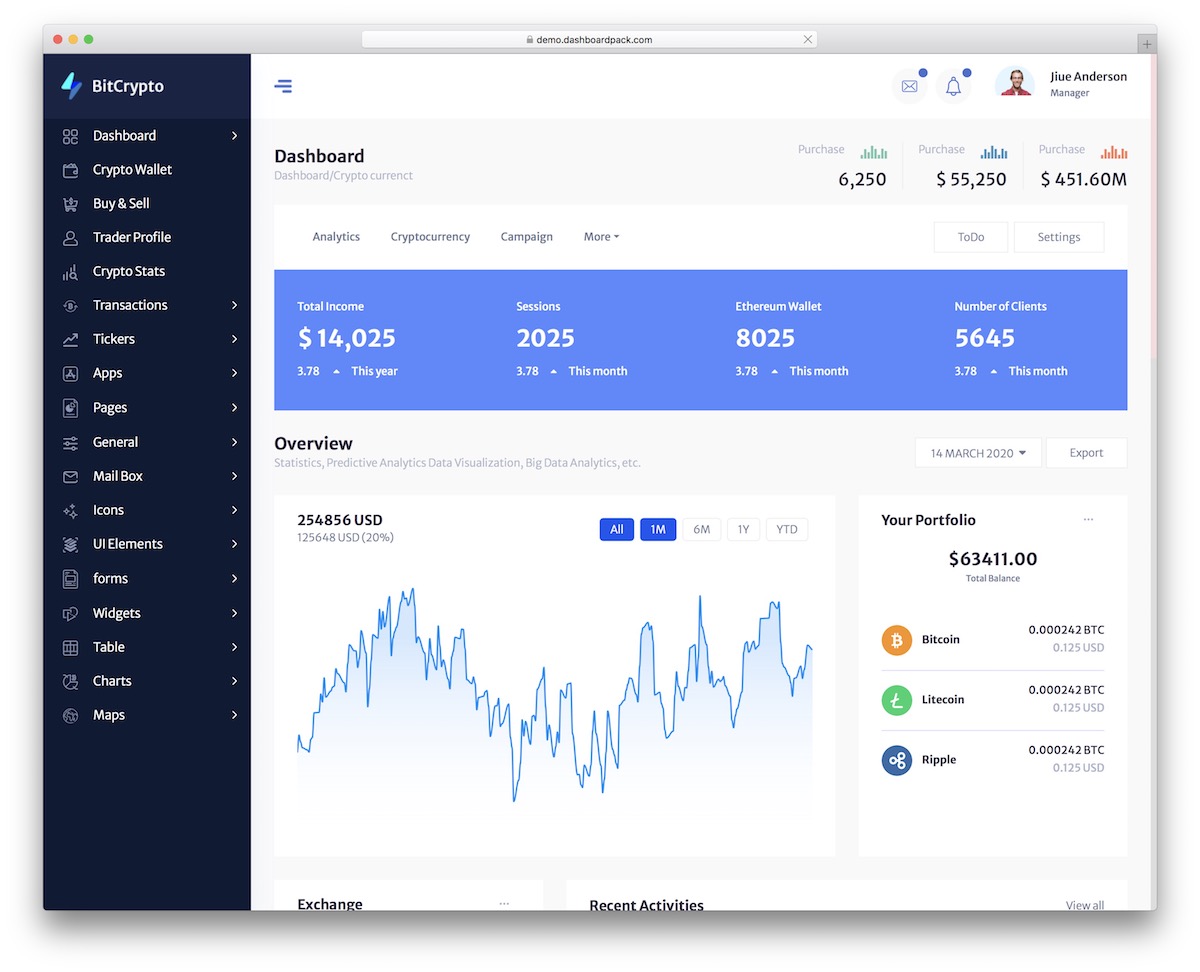
Why we like it: Pre-built components for portfolio tracking and token analytics save significant design time.
Transactions are modeled as a lifecycle — request, cancel, refund, payment detail — so the awkward states are already designed, not just the happy path. Across 77 pages you also get per-asset wallet balances, a buy and sell flow, live ticker strips in light and dark treatments, and three sidebar shells to choose between.
24. Finance SaaS Dashboard
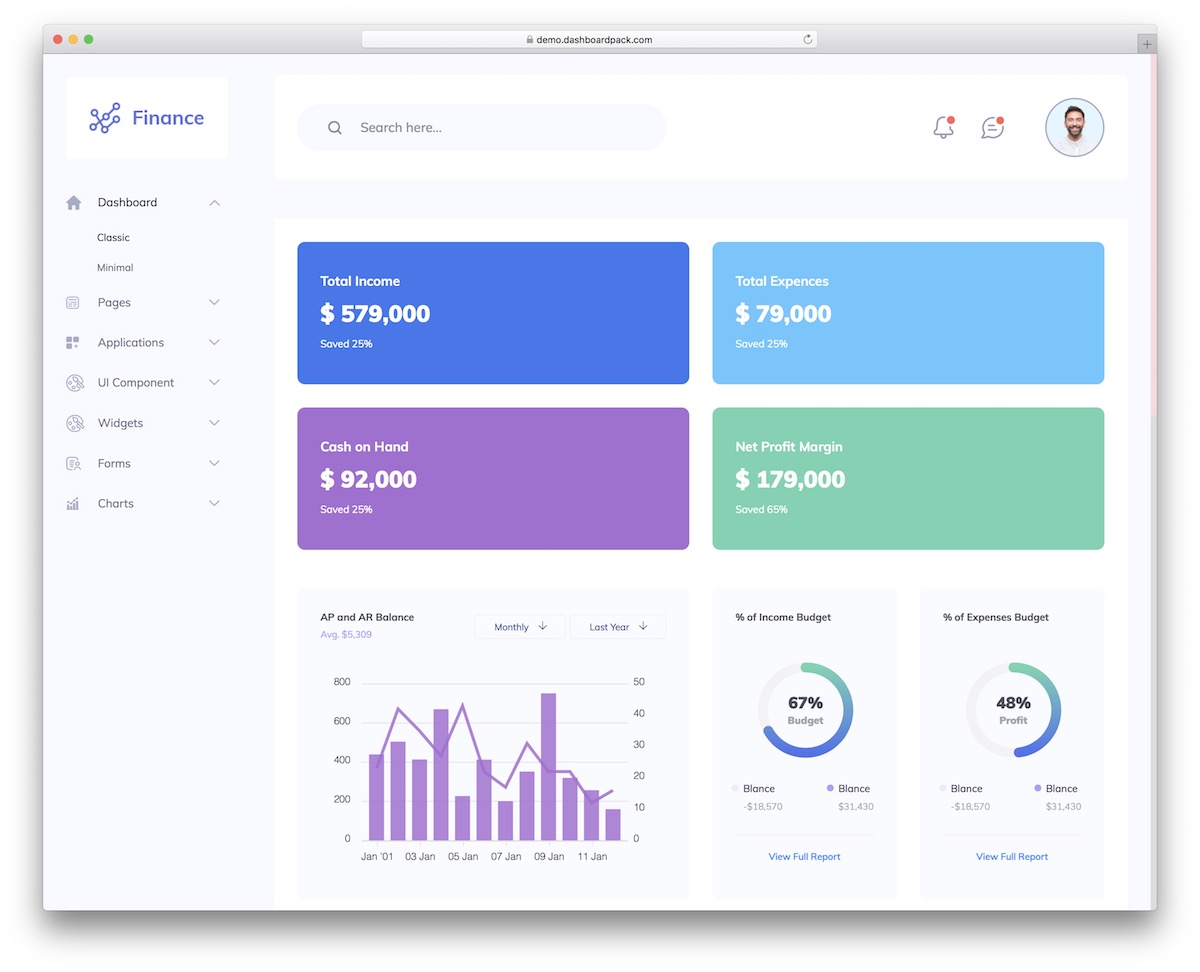
Why we like it: Financial chart widgets and SaaS metrics pages are ready to connect to your data source.
Five separate finance views — overview, banking, investing, crypto, and a trading screen with candlesticks, a Level-2 order book, and an options chain — rather than one dashboard with the numbers swapped out. Reports cover P&L, balance sheet, and cash flow, and the data tables carry faceted filters, column visibility, and CSV export.
25. Marketing Dashboard
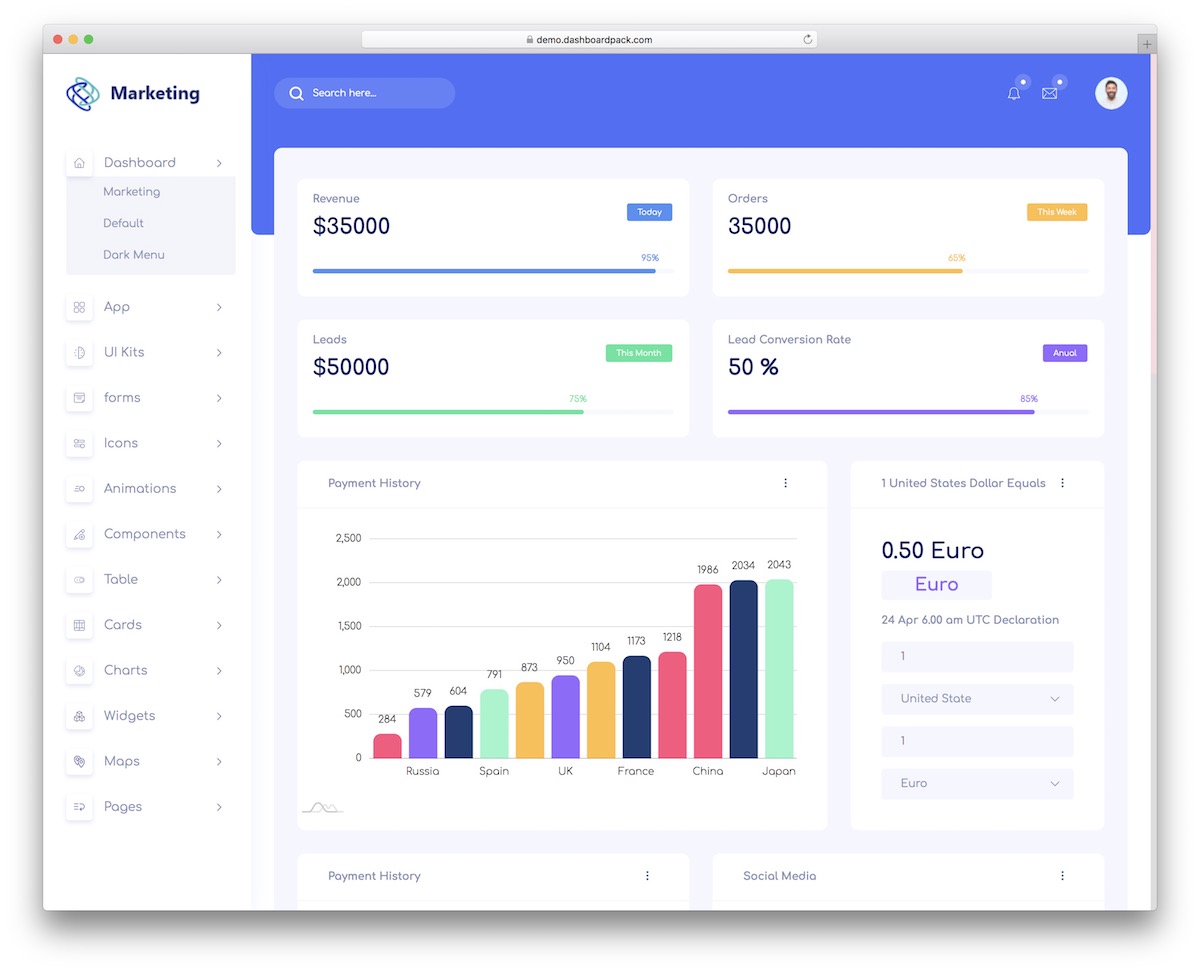
Why we like it: Dark mode, a sticky sidebar, and subtle animations make a polished home for marketing data.
The funnel is the organizing idea: conversion stages, traffic sources, revenue, and team performance sit on one screen instead of being scattered across separate reports. Fifty-five pages back that up, with three dashboard layouts including a dark sidebar variant, four charting libraries, two mapping options, and a rich text editor for campaign notes.
26. Analytic Dashboard
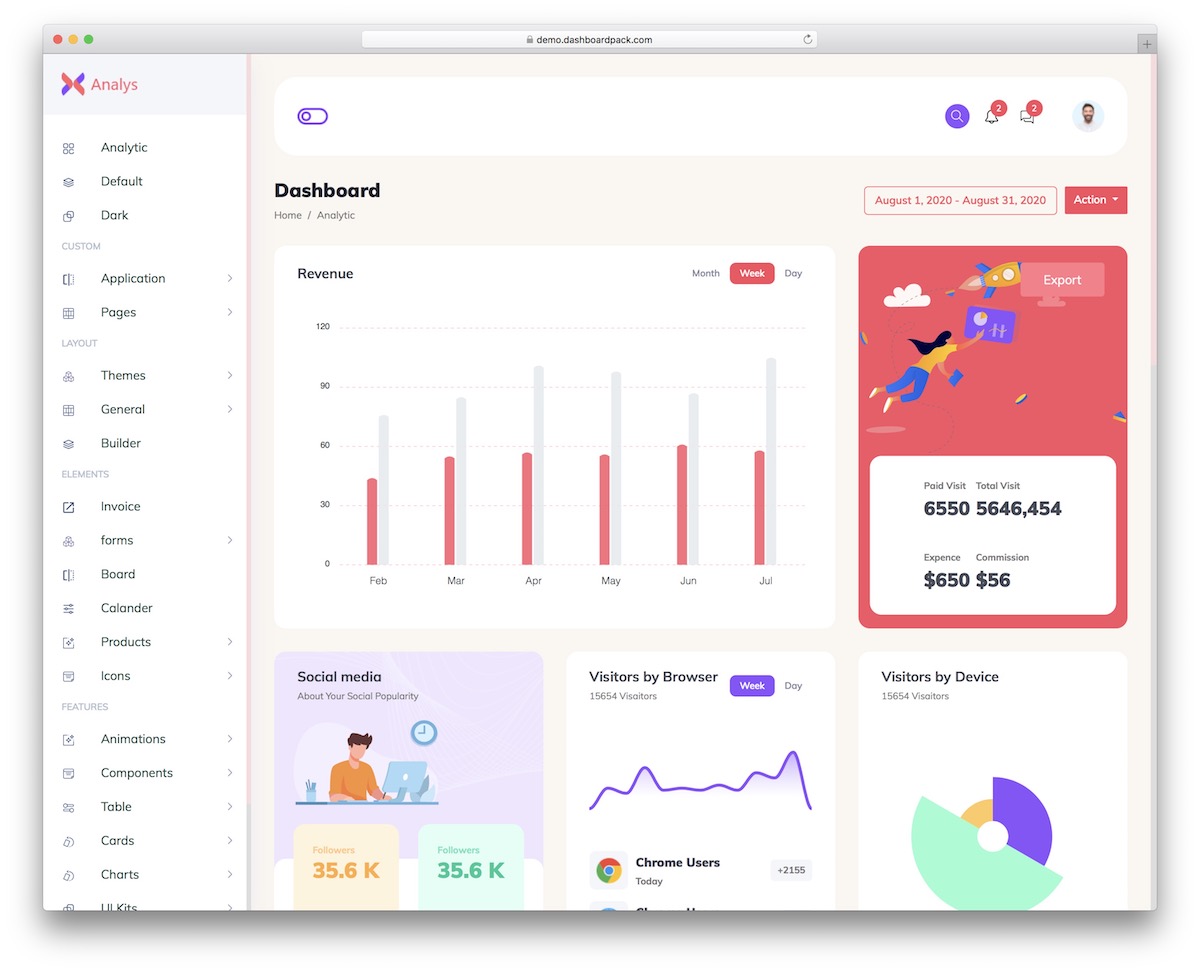
Why we like it: Metrics widgets and chart components are pre-built for the most common analytics use cases.
A page builder and WYSIWYG editor come with it, so report layouts can be composed rather than hand-coded — unusual in a dashboard template. The other 64 pages cover the reporting basics: five charting libraries to pick between per widget, data tables with export buttons, vector maps, and a dark variant of the main dashboard.
27. Directory Dashboard
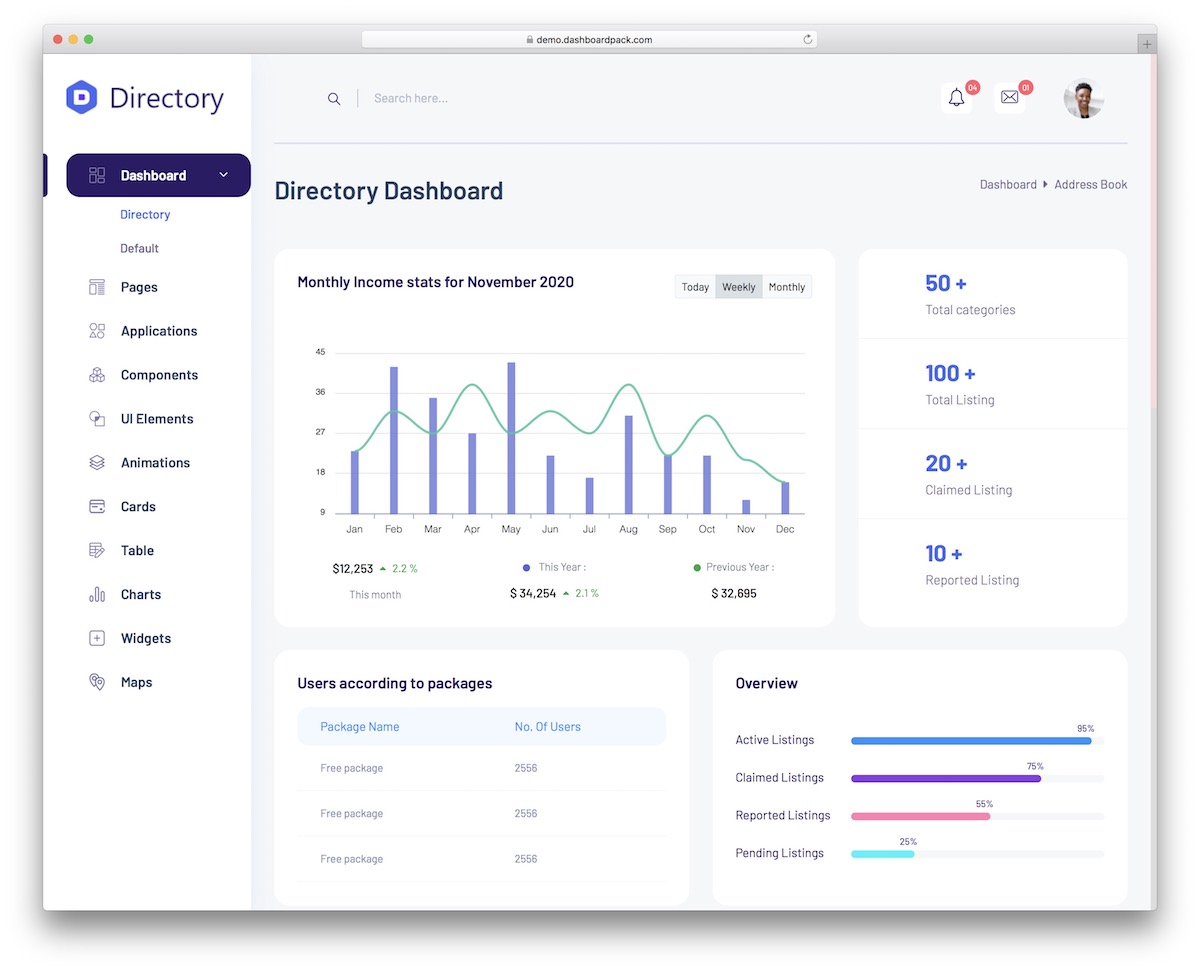
Why we like it: User profiles, activity monitoring, and listing management views are already in place.
Listings have to look good as well as tabulate, so this one ships both: a Swiper-backed media gallery and draggable card tiles alongside the usual data tables. Across 40 pages you also get vector and JavaScript maps for location-based directories, and Select2 filtering for the long option lists that listing sites accumulate.
28. User Management Dashboard
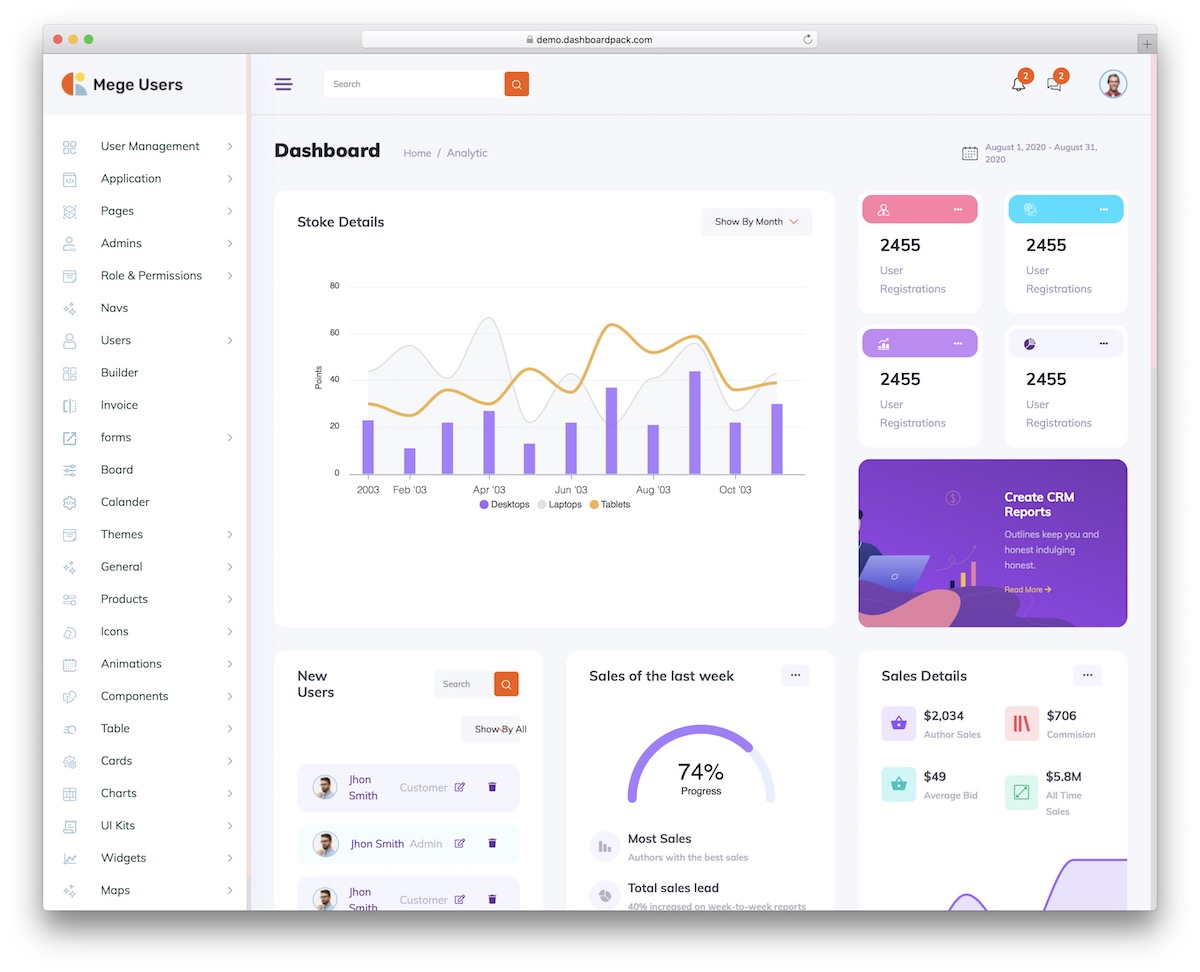
Why we like it: User tables, role views, and profile pages are pre-built — the most common admin panel requirement.
Access questions drive the page list — who has access, who granted it, when it expires, what they did — across dashboards for overview, user analytics, security, and onboarding. All 50 pages were checked against WCAG 2.1 AA in both light and dark themes, and any table gains search, sorting, faceted filters, and CSV export from a single data attribute.
Premium Admin Dashboard Templates
The remaining picks are paid (most start at $69). They earn their place with things free templates rarely offer — 10+ role-based dashboards, working data tables and mock APIs, auth flows with 2FA, command palettes, and dedicated support. If the free options above feel like a starting point, these feel like a finished product.
29. Hospital HTML Dashboard
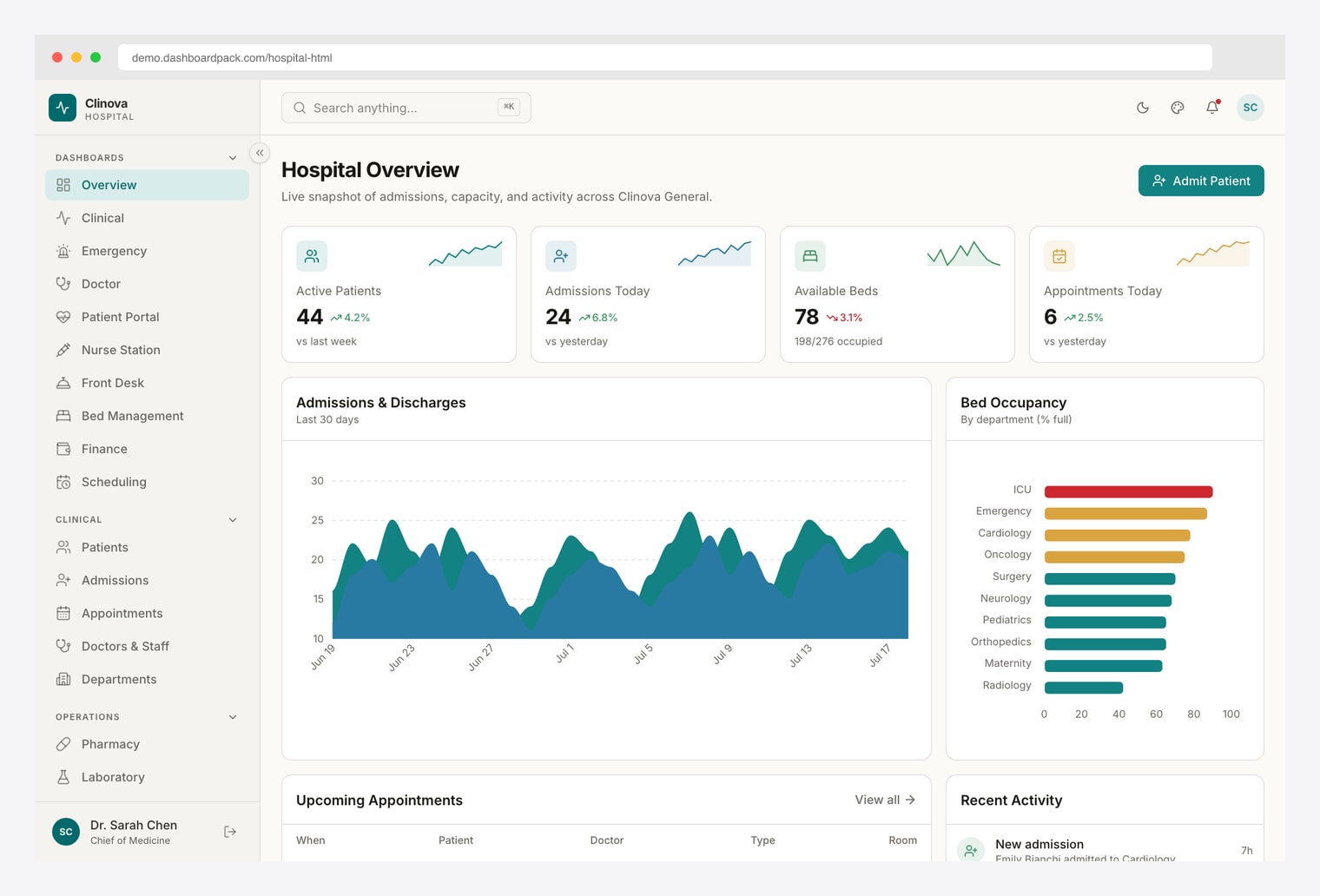
Why we like it: A ground-up rebuild on Vite 8 and Tailwind CSS v4 — 10 role-based hospital dashboards, a ⌘K command palette, and dark mode, with no jQuery in sight.
Ten role-based views (Overview, Clinical, Emergency, Doctor, Patient Portal, Nurse Station, Front Desk, Bed Management, Finance, Scheduling) span 35 pages, with a patients table (faceted filters, CSV export), a four-step admit wizard, appointments calendar, pharmacy, laboratory, and billing. ApexCharts render every metric, and a runtime customizer offers 300+ theme, color, and density combinations. A React/Next.js edition (Hospital React Dashboard) is available if you prefer a component framework.
30. Apex Dashboard
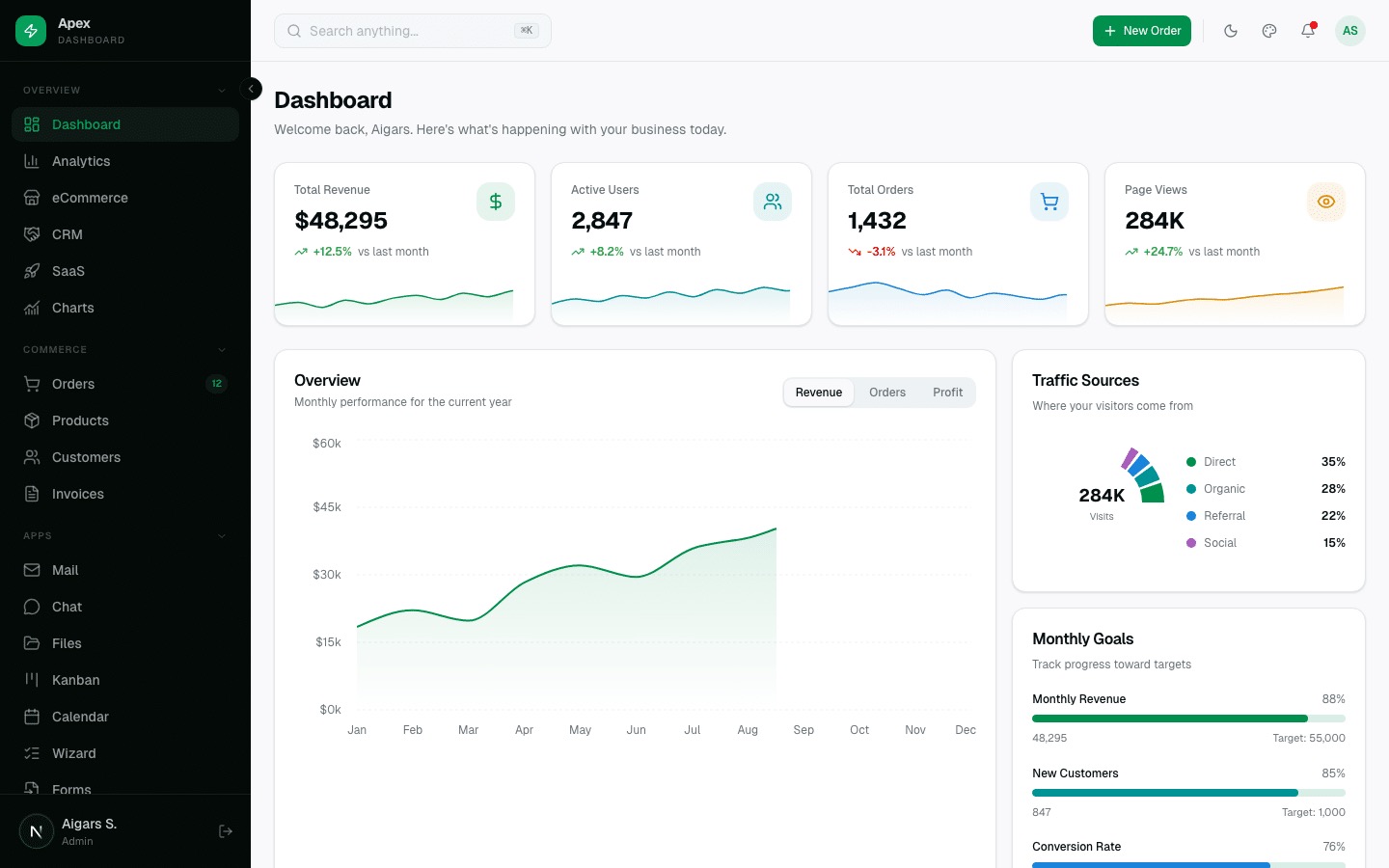
Why we like it: 216 prerendered pages and 12 dashboard variants (Overview, Analytics, eCommerce, CRM, SaaS, Project, Finance, HR, Marketing, Academy, Logistics and AI Usage) mean you rarely build a page from scratch.
The most feature-rich dashboard in the DashboardPack lineup: 20+ application pages (Chat, Mail, File Manager, Kanban, Calendar), full CRUD data tables, 8 auth pages with 2FA, a Cmd+K command palette, and a live theme customizer. Static export deploys anywhere with zero server runtime. Built by the team behind AdminLTE. Version 3.0 adds 114 copy-paste blocks across 14 categories, six layout presets, a world map built from public-domain Natural Earth data with no runtime map library, an AI assistant with tool calls and streaming citations, and role-based access control with a permission matrix.
Prefer a different stack? Apex is also available as an Angular edition (Tailwind v4 + Spartan UI, ~70 pages) and a Django edition with a real Python backend — 23 wired apps, HTMX datatables, REST API, and full test coverage.
31. Haze Dashboard
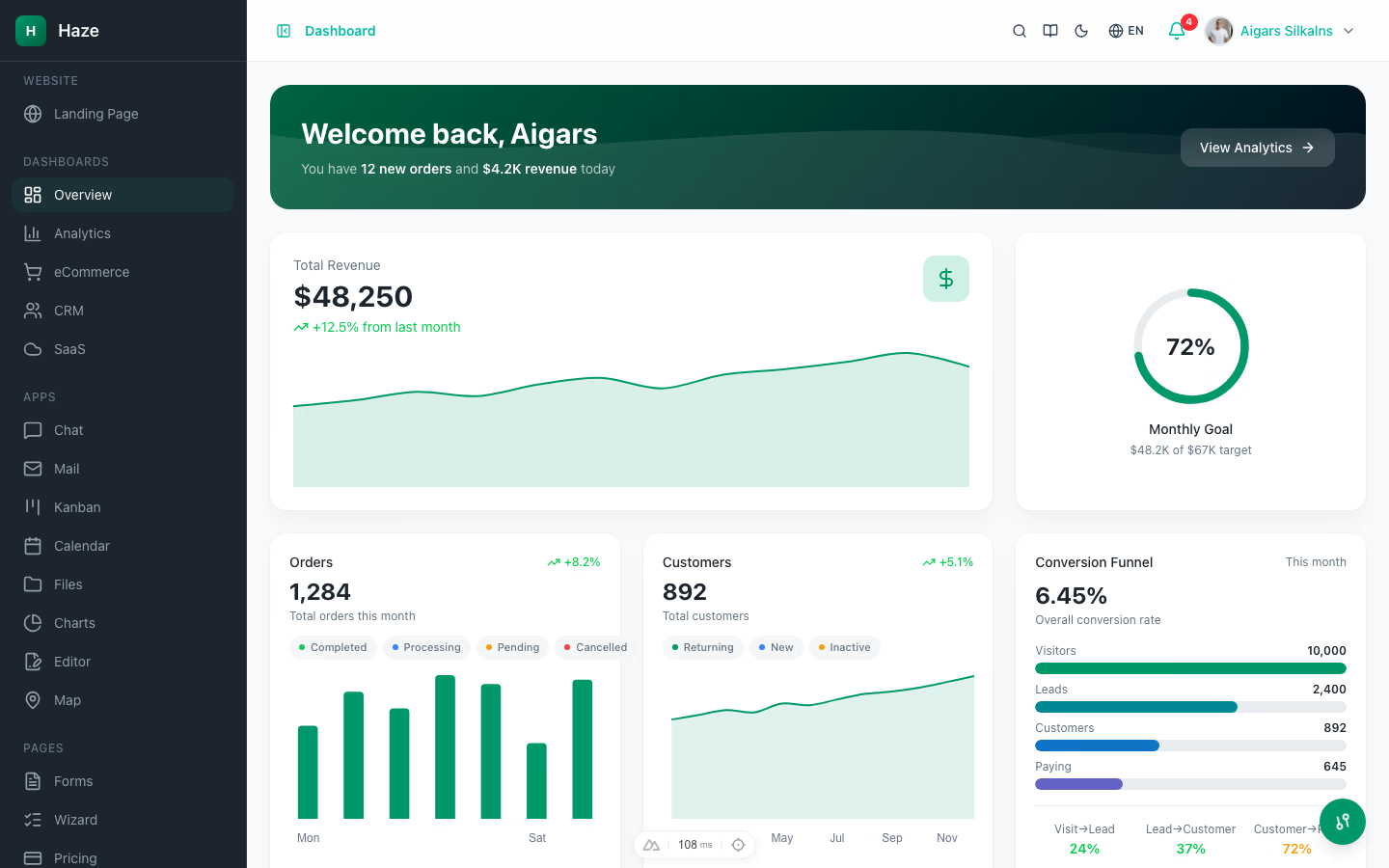
Why we like it: Six CRUD resources backed by 33 mock API routes that actually paginate, search, and filter — mock-data depth rarely seen even in paid templates.
Haze spans 90+ pages: 5 dashboard variants, 8 interactive app modules (chat, mail, kanban, calendar, files, charts, rich-text editor, maps), 11 auth flows, and an in-app docs section. A runtime theme customizer toggles color mode, accent presets, density, and RTL, with i18n in English, German, and French.
Vue team? The Nuxt edition delivers the same design and mock API depth on Nuxt 4 + Nuxt UI, including a storefront with cart and multi-step checkout.
32. Zenith Dashboard
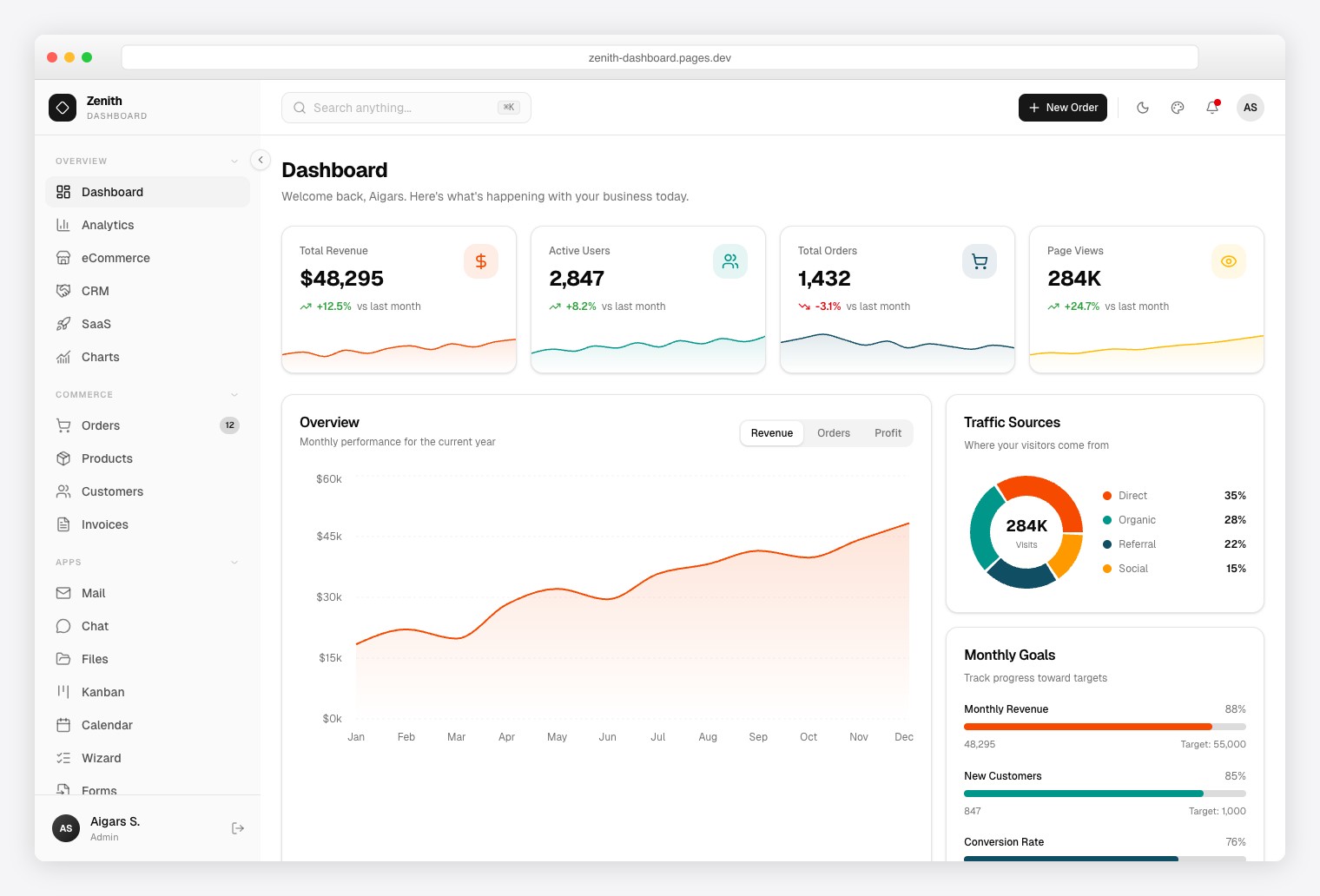
Why we like it: The achromatic, zero-chroma design re-brands with minimal CSS changes — the easiest template on this list to make your own.
Ultra-minimal admin with 50+ pages and 6 dashboard variants (Overview, Analytics, eCommerce, CRM, SaaS, Finance), data grids, a rich text editor, maps, form validation, and a live theme customizer with density modes.
Python team? The Django edition ships the same achromatic design with a real multi-tenant backend — org switcher, role-based access control, Stripe-style billing, 2FA, and a REST API.
33. TailPanel

Why we like it: Pure Tailwind CSS with no JavaScript framework dependency — drop it into any backend via plain HTML includes.
Built around ready-made application layouts rather than just a UI kit: Mailbox, FAQ, and Chat starter pages with a responsive, dark-mode-friendly structure.
34. Flux Dashboard
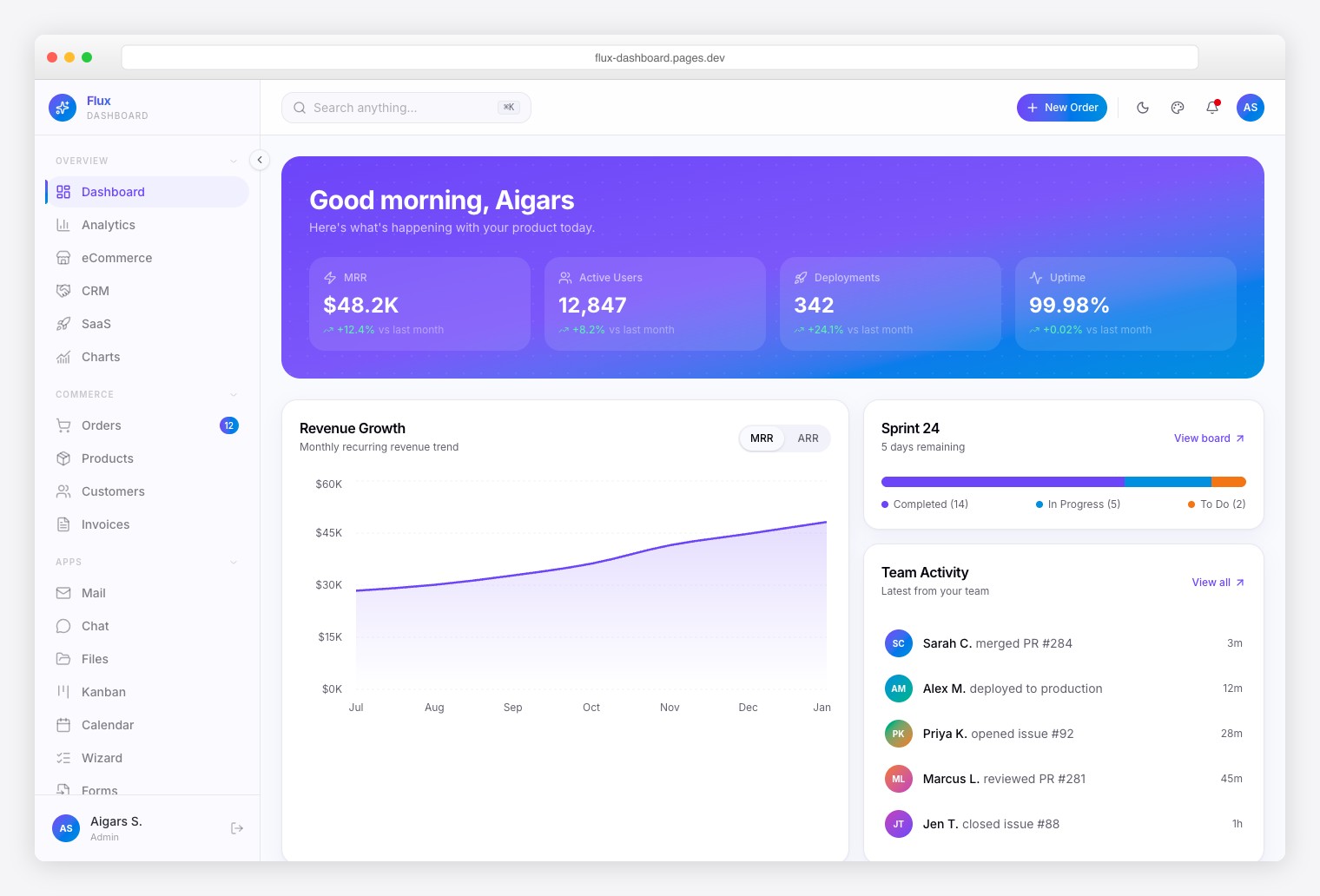
Why we like it: Seven specialty pages — Roadmap, Feature Flags, Deployment Log, Sprint Board, Feedback Board, Changelog, Team Feed — that generic dashboards don’t have.
Gradient-forward admin with 64+ pages, 5 dashboard variants, smooth animations, a command palette with fuzzy search, CSV export, dark/light/system themes, RTL, and i18n.
35. Ember Dashboard
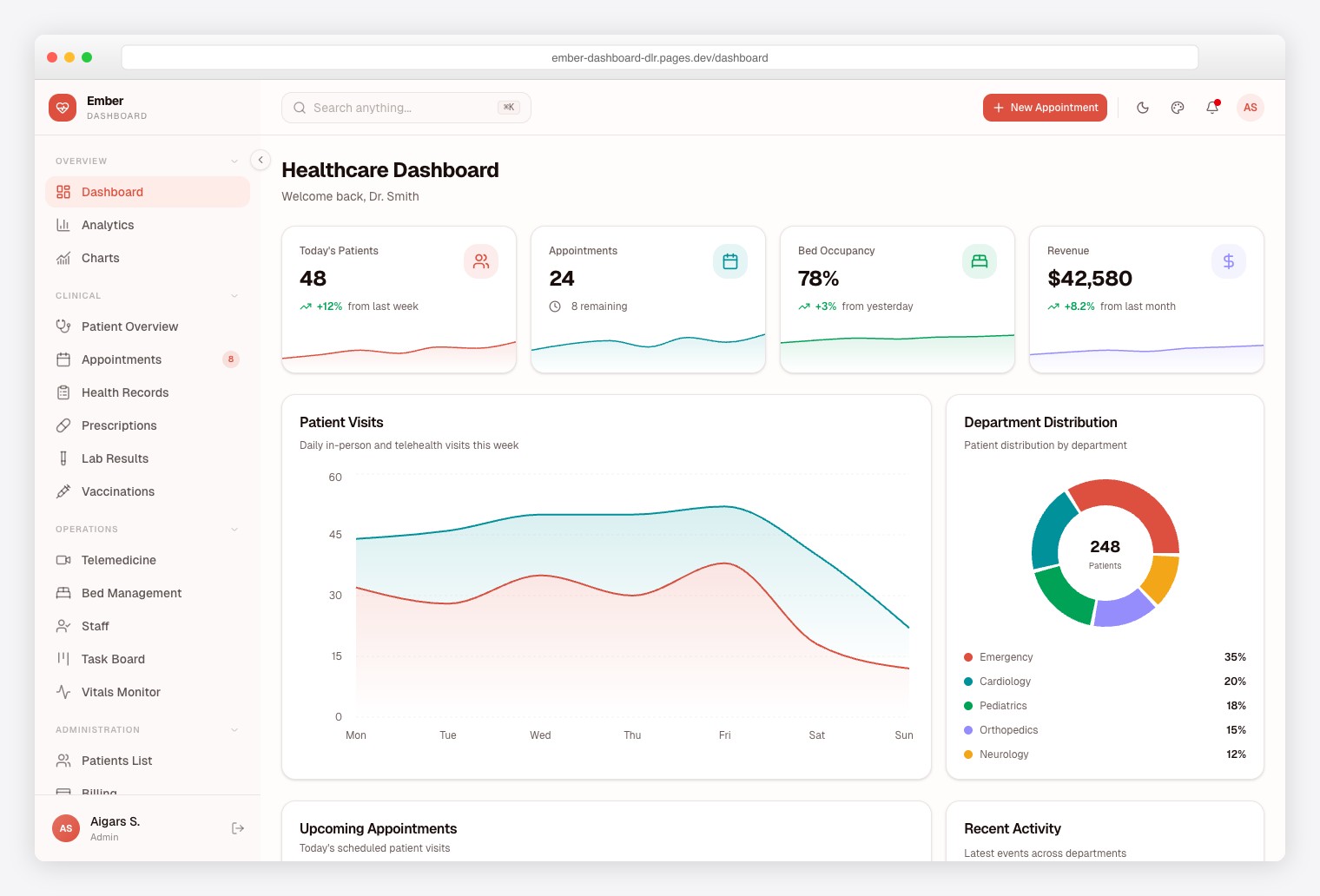
Why we like it: Eleven healthcare-specific modules — the only admin dashboard built specifically for medical SaaS, saving months of domain research.
50+ pages covering Patient Management, Appointments, Telemedicine, Prescriptions, Lab Results, Bed Management, Vitals Monitoring, and Billing, with a testing suite included — useful for healthcare compliance work.
36. Signal Dashboard
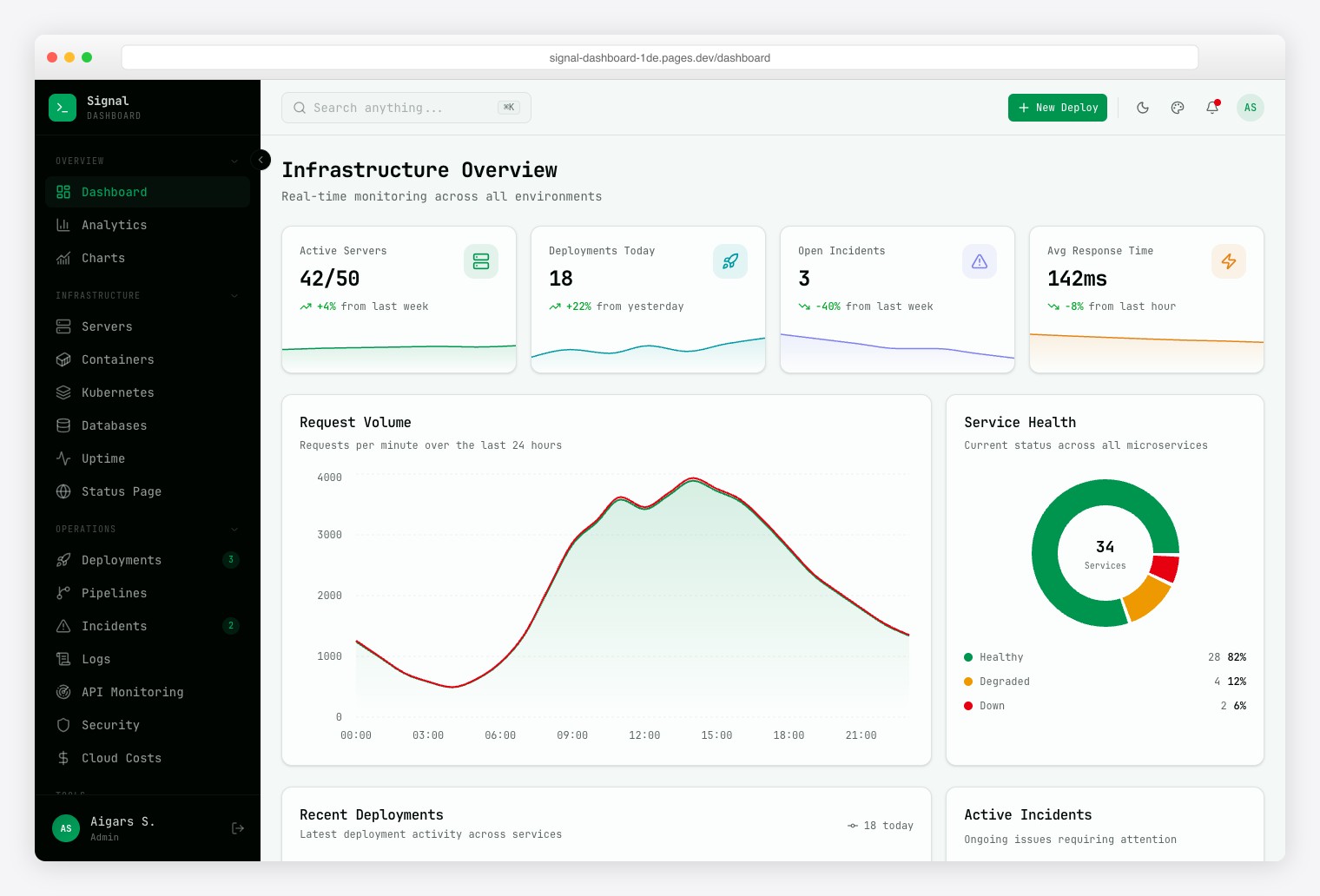
Why we like it: Thirteen infrastructure views — Server Fleet, Kubernetes, CI/CD Pipelines, Log Explorer, and more — purpose-built for DevOps.
Terminal-inspired design with monospace typography across 57+ pages: containers, deployments, incidents, uptime monitoring, API latency, cloud costs, and a public status page. Also available as a Laravel variant.
37. Vault Dashboard
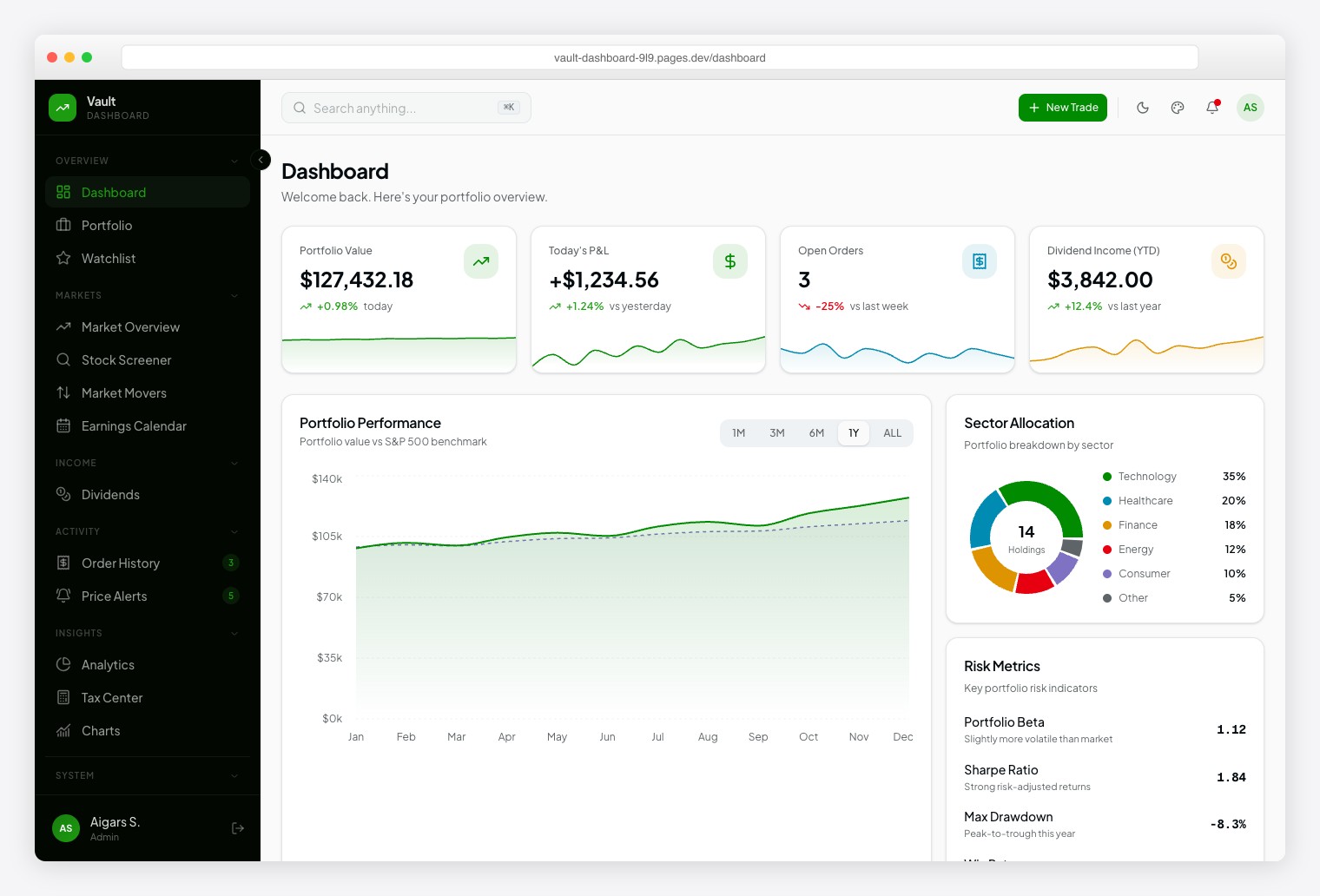
Why we like it: Thirteen investment modules and 10+ chart types (candlestick, treemap) cover the data patterns of professional trading platforms.
Robinhood-inspired down to the typography — a readable sans for navigation, a monospaced face for figures. Screens cover Portfolio, Watchlist, Stock Screener, Earnings Calendar, Dividends, Price Alerts, and a Tax Center, with dark/light themes and RTL support.
38. Fortress Dashboard
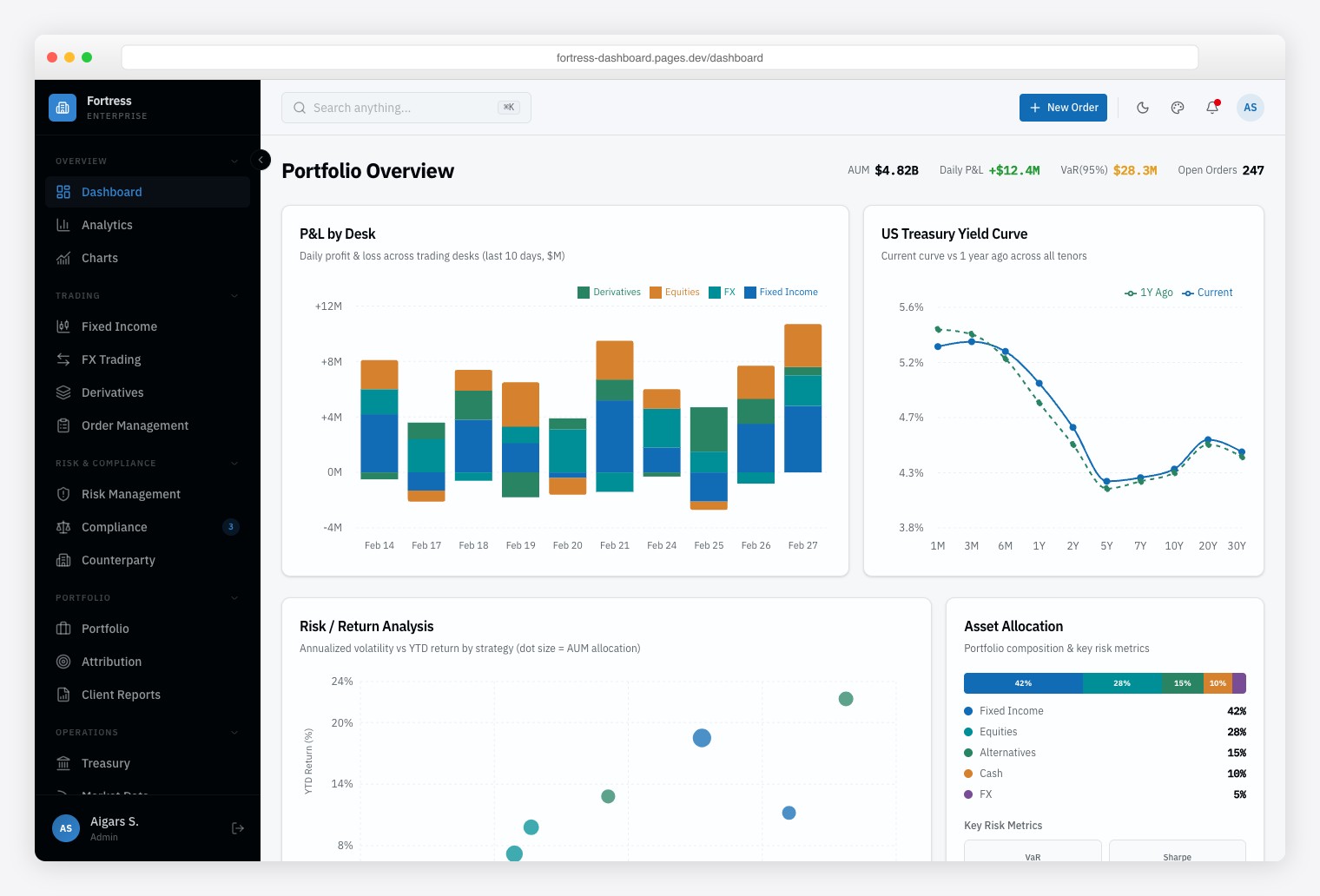
Why we like it: Bloomberg-style data density — multi-panel layouts built for 50+ data points on screen without scrolling.
Thirteen modules span multi-asset trading (Fixed Income, FX, Derivatives), risk analytics, and regulatory compliance monitoring, laid out in dense multi-panel screens modeled on professional trading terminals. Testing and component documentation are included.
39. SvelteForge Admin
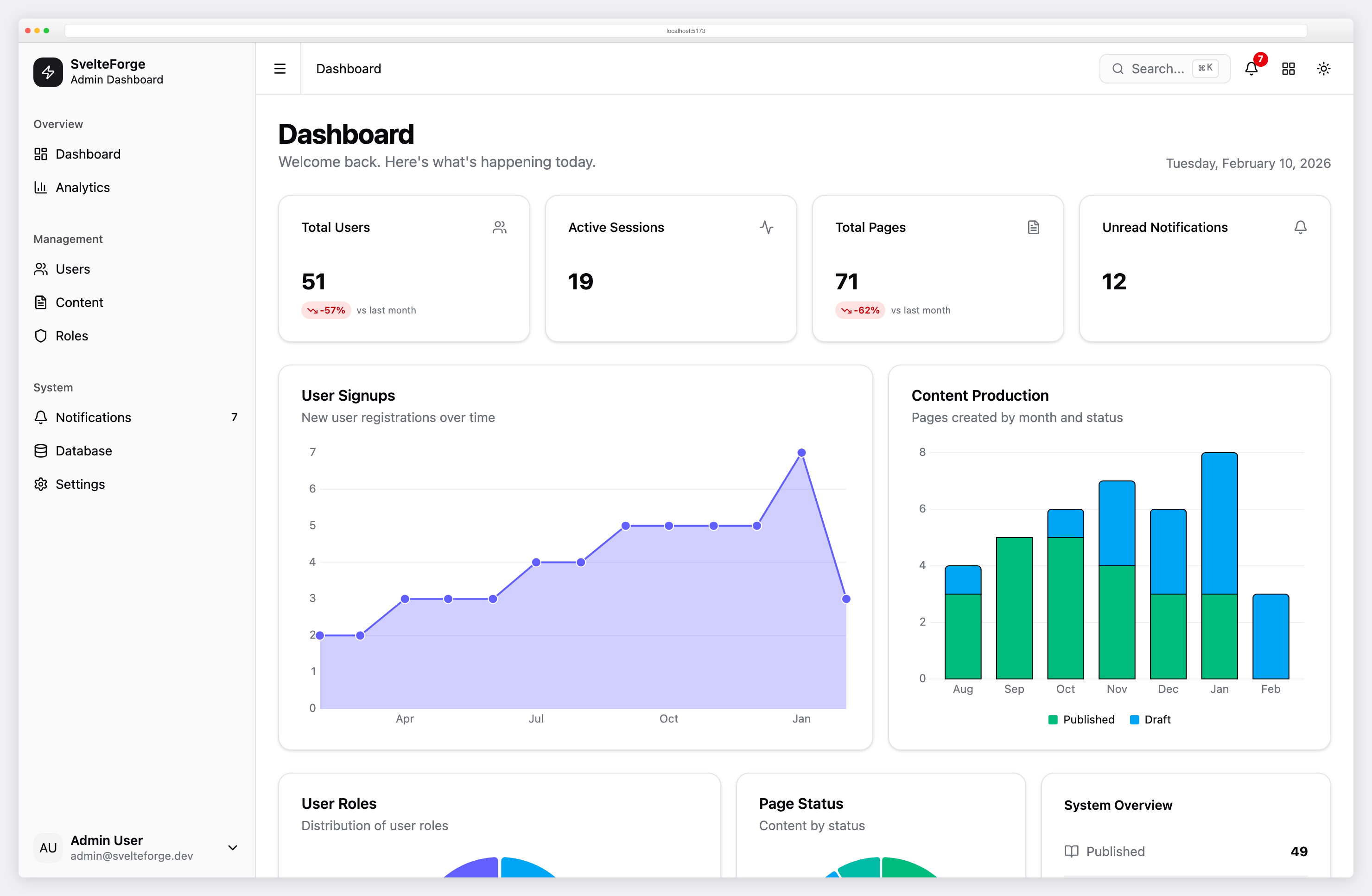
Why we like it: The only Svelte admin here with built-in auth, role-based access control, and a real ORM — a complete backend, not just UI.
Full-stack SvelteKit dashboard with email/password and social login, 2FA, user management, data tables, a form builder, and settings pages — real backend integration rather than mock data.
40. Metronic
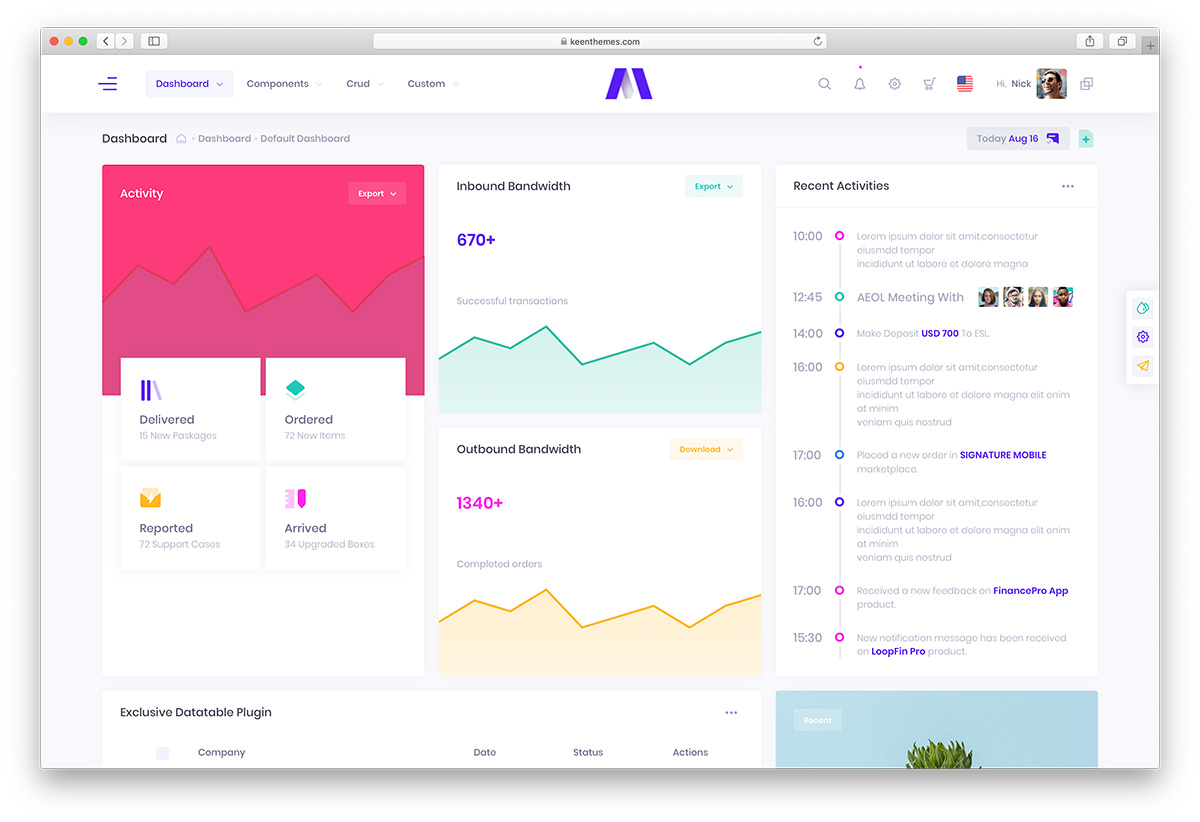
Why we like it: One of ThemeForest’s best-selling admin templates — regularly updated, so your investment keeps growing.
Available as both HTML (Bootstrap 5) and Angular templates with numerous layout variations, strong documentation, and an active community — a safe choice where long-term maintenance matters.
How to Choose an Admin Dashboard Template
- Backend stack: If your backend is PHP, Python, Ruby, or Go, pick a plain HTML template — AdminLTE or Tabler for Bootstrap, Gentelella for a no-framework Vite stack, TailPanel for Tailwind. For React, start free with Shadcn Admin or go premium with Apex; for Vue, Vuestic (free) or Haze — Nuxt edition (premium); for Svelte, SvelteForge. Laravel teams should also look at Filament, which builds the panel for you.
- Industry vertical: Healthcare → Ember or the free Hospital Dashboard. DevOps → Signal. Fintech → Vault or Fortress. Education → Kiaalap.
- Budget: The free MIT-licensed options (AdminLTE, Tabler, Gentelella, CoreUI, Adminator) genuinely cover most projects. Pay only when you need bigger page catalogues, working auth/CRUD, testing suites, or support.
- Maintenance: Prefer templates with modern tooling and no jQuery — Gentelella, Notika, Nalika, and CoolAdmin have all been rebuilt on current stacks.
Frequently Asked Questions
What is an admin dashboard template?
An admin dashboard template is a pre-built frontend UI kit that provides sidebar navigation, data tables, charts, forms, and authentication pages for building web application backends, internal tools, and SaaS admin panels. Templates are available for Bootstrap, Tailwind CSS, React, Vue, Angular, and other frameworks.
What is the most popular free admin dashboard template?
AdminLTE leads with 45,000+ GitHub stars (built on Bootstrap 5, maintained by Colorlib), with Tabler (41K+ stars) close behind. Gentelella (21K+ stars, also by Colorlib) rounds out the top three — note that Gentelella v4 has moved off Bootstrap to a Vite + vanilla JS stack.
Should I use Bootstrap or Tailwind CSS for an admin dashboard?
Bootstrap 5 is better for rapid prototyping and teams already familiar with Bootstrap conventions — AdminLTE has a massive community and extensive documentation. Tailwind CSS is better for custom designs and modern tooling — templates like TailPanel integrate with any backend without a JavaScript framework dependency. Both are production-ready choices.
Can I use free admin templates for commercial projects?
Most free admin templates on this list use the MIT license, which permits commercial use. Check each template’s license before deploying — MIT and Apache 2.0 allow commercial use, while some restrict free versions to personal projects only.
What is the difference between a free and premium admin template?
Free admin templates typically include 5–30 pages and basic components. Premium templates ($49–69+) add 50–125+ pages, multiple dashboard variants, advanced features (CRUD operations, auth with 2FA, testing suites), dedicated support, and regular updates.
Do admin dashboard templates work with any backend?
HTML/CSS admin templates (Bootstrap, Tailwind) work with any backend — PHP, Python, Ruby, Go, Java, or Node.js. Framework-specific templates (React, Vue, Angular, Svelte) require their respective JavaScript framework. Next.js templates with static export generate plain HTML that deploys to any static host.

Related Posts




Great Stuff
These Templates are really quality and free.Thank you for these great resources.Building my webapp has just started here.
Awesome Bootstrap dashboard templates. Thank for sharing this information
thanks, very useful templates. I really like Gentelella and Monarch!
Also i like Gentelella and Monarch.it realy awesome. and UI is perfect.
it does not work :active in gentallela
/*———————————-*/ var table = $(‘#tablaclientes’).DataTable({ responsive: true, }); $(‘#tablaclientes tbody’).on( ‘click’, ‘tr’, function () { // alert(‘hellow’); if ( $(this).hasClass(‘active’) ) { $(this).removeClass(‘active’); } else { table.$(‘tr.active’).removeClass(‘active’); $(this).addClass(‘active’); } } );@claudio, that is because `:active` is a pseudo selector and not a class, so you can not access it with `hasClass`. Hope that makes sense.
hi i want to download
Monarch (Premium) Template All versions HTML, Angular and Frontend
But it is not free How can i get this free
or can you send me zip of it in my email
Thanks in Advance
Rajeshsingh,
Monarch template is clearly marked as premium template. We just wanted to outline that how much more superior premium templates can be over free templates. Unfortunately, we are not going to share it for free.
Hii,
Thx for the powerfull admin templates. My Favorite Gentellela!
Grüße aus Berlin 🙂
Gentellela- best theme i’ve ever seen. nothing can match the beauty of this template. I’ve decided to put this theme for admin area of every project i will handel.(some time i will use it on frontend too.) It’s packed with great stuff. This template gave me new ideas for my projects. i will always use this template. either whole or a part.
colorlib thank you very much
I am in need of a web designer to set up the coffiure template for my site. I would like for my clients to be able to book and pay online is this something you do?
i can do build this booking and pay online system i have worked on booking table app before so i can help you with this if you still in need u can email me at mughalrules(@)ymail.com.
Great document for web developer to build a web app. Thanks a lot
hi
thanks lot for this admin themes
when i use this theme locally, icon is not load properly.
what can i do for it?
thanks
I use both, AdminLTE and Gentellela. The Gentellela is old and have some layout issues. The AdminLTE is a really good one. I’m chocked it is for free.
Thanks for these templates 🙂
Thank you so much for those Admin panels
Can i have a right to left free admin template??
thanks
Need help here,
i try to using Gentallela template, but somehow i don’t know how the sidebar menu working. other template use “class=”active”, but no such thing in Gentallela.
please help, newbie here.
The tables in metis bootstrap admin template – fall of the page – if the browser window is not wide enough. Does anyone have fix for this.
Thanks
Gentelella instead of Gentellela will be looks much better.
Hi , how much do these templates increase the server speed load? Thanks
Richard,
These are plain HTML, CSS and JavaScript templates which means that they load incredibility fast and doesn’t add any load to the server. But that also means that there is no database or backend functionality attached to them and you need to create it on your own. That background functionality with affect performance the most, so make sure to write a good code.
This was so helpful especially for me because i was starting to learn php, Thanks a lot !!! Salute to the admin
Excellent collection! We have been looking for a great looking theme for an internal project so these have really helped! nice one
These templates are awesome.
Could anyone please let me know where the data for charts are stored in?
Sharz,
These are templates and none of the data is currently stored in a database. That part of the job is on your own.
Awesome Bootstrap admin dashboard templates. Thank for sharing this information.
Well i’m new to Github and all. Its super complicated for me. I usually just download admin themes and adjust the code to need, but the Adminator theme is a pain. The css files aren’t linked to the pages, so they show up wierd, no .js files linked too. I have no idea where to start. I like the adminator theme, but its difficult to use. Why can’t it be edited like AdminLTE 2 or some other themes listed here.
Adminator is much more advanced and is built for developers. It uses Node and NPM and needs to be compiled. Just opening up it as blank HTML canvas won’t do a thing and you should follow instructions instead. It might not be for some but developers building web apps will appreciate and already appreciates the way it is built.
It would really be GREAT to have an example of use along any framework.
Right now I’m struggling to make it work with Django, and I just don’t get it to work.
Miguel,
Contributors are welcome for this project. We want to make this template great but it is not like we have 100 developers on payroll specialised in using different coding languages. We would be happy to pay our contributors but we are not able to create all examples on our own.
hi
i am a web developer (server side)
and i wanted to use your template(adminator). Actually I in love with it.
i run it throug npm and maked build folder
but i when i edit the build folder it not worked
I do not want to be involved in design and please
Please guide how I can get html files and style files to edit the templates based on my needs
thank you very much.
abbas zamadi
is it possible to do it in Django
Feel free to use them for Django or any other coding language or framework.
hi.how can I make Sufee (New) RTL?
We don’t have a RTL version for it therefore you are on your own with this conversion. If you do make a RTL version, please let us know and we’ll be happy to share it with our users.
AdminLTE RTL version is your best solution.
Hi, is there any way to remove backlinks? Can I buy any licence or something like that to support the theme?
Thanks
Yes, you can purchase extended license. More on that here.
where can I get admindek template?! I cannot find it
Not available yet. We’ll launch it for free only if the interest will be high enough. So make sure to spread the word about it everywhere you can.
How can I spread the word without using them? If I cannot use it, I will create it with another template, and forget admindek. I strongly recommend that you make it available first. Can I use it?!
Great collection! Admindek especially is beautiful. Hope you release it soon!
Any idea when will this be? I would love it for a project.
Hello! I will use Admindek as soon as it becomes available!
Hi guys,
You have prepared a very nice list. I was googling for admin templates since last few days and found it very difficult to choose a proper on. Your article helped me to narrow my search to only few options.
Thanks
Thanks for sharing free templates. I am using Nalika for my free website along with Angular 6. Sparkline graphs are not working. How to integrate Sparkline js with angular 6. Please help.
It says adminty is premium? So, not free. It doesn’t look free, certainly. Anyways, will it be available anytime soon?
I really loved Notika but found two issues when using IE 11.
1. Date picker on “Form Components” page is not working. Clicking on date field doesn’t open calendar.
2. None of the dialogs which are on “Dialogs” page are working. When I click on any button, nothing happens.
I really want to download adminty theme. but it isn’t ready yet.
When I get this theme?
Because I have no time.
I have to finish some dashboard program soon.
Please, let me know.
We have no release date on it just yet but here you can find many other similar templates.
It so beautiful but i don’t know why when i run it the icon don’t show up like it work in demo. Can someone tell me how to fix it pls?
Likely, that’s because of CDN. Upload on the server or replace CDN URLs for font icons.
Admindek has a problem in the mobile mode. When you scroll the content the menu also gets scrolled and vice versa. So if you scroll the content down quite a bit… and open the menu… you will see a blank menu. The menu should be on a separate “layer”.
Another problem is the email layout where the top line is unaligned.
Just some things to fix before release!
Hello,
I really want to download adminty theme too, but it isn’t ready yet. When you get planed share this theme?
Hello Jan,
Adminty template can be downloaded from here.